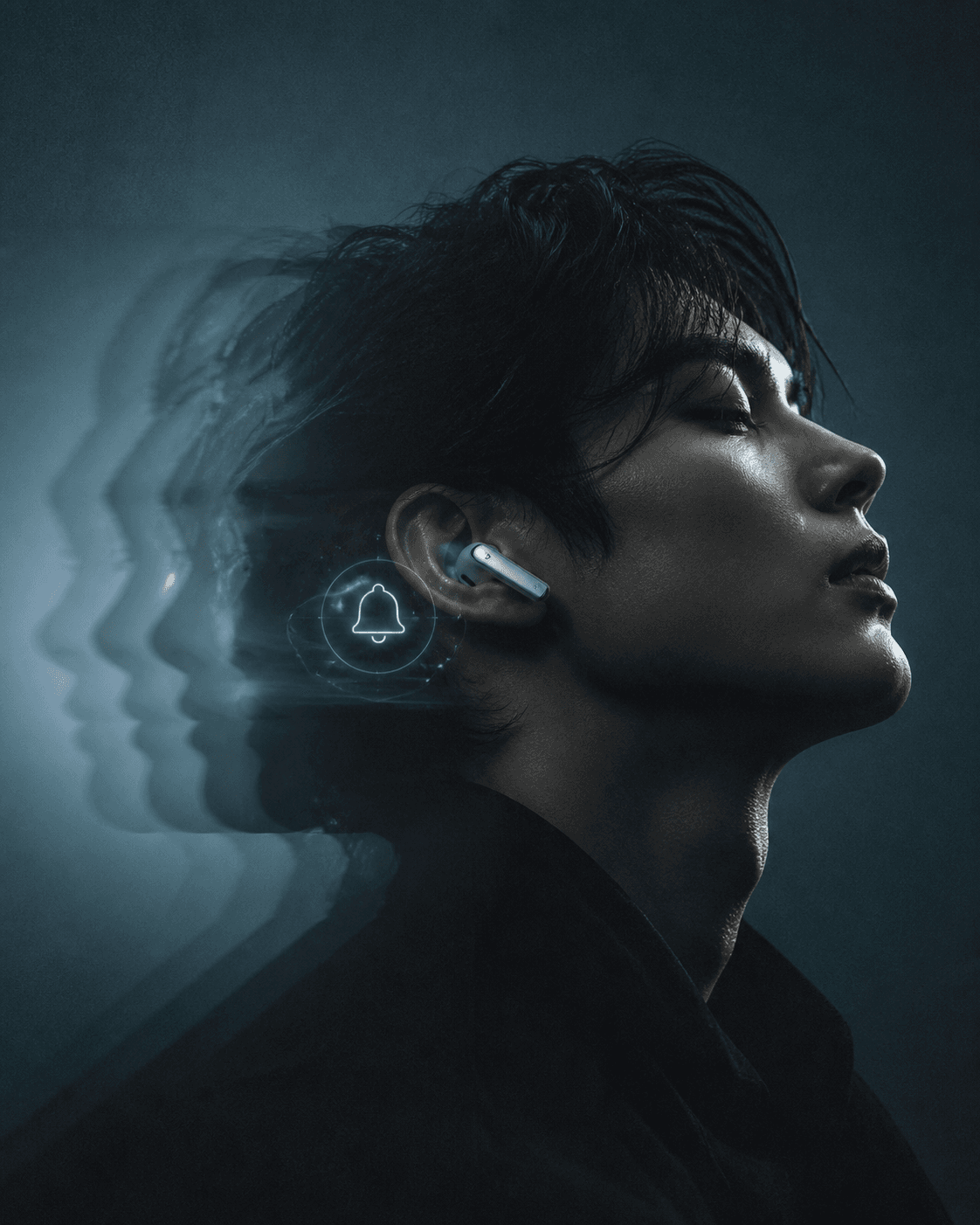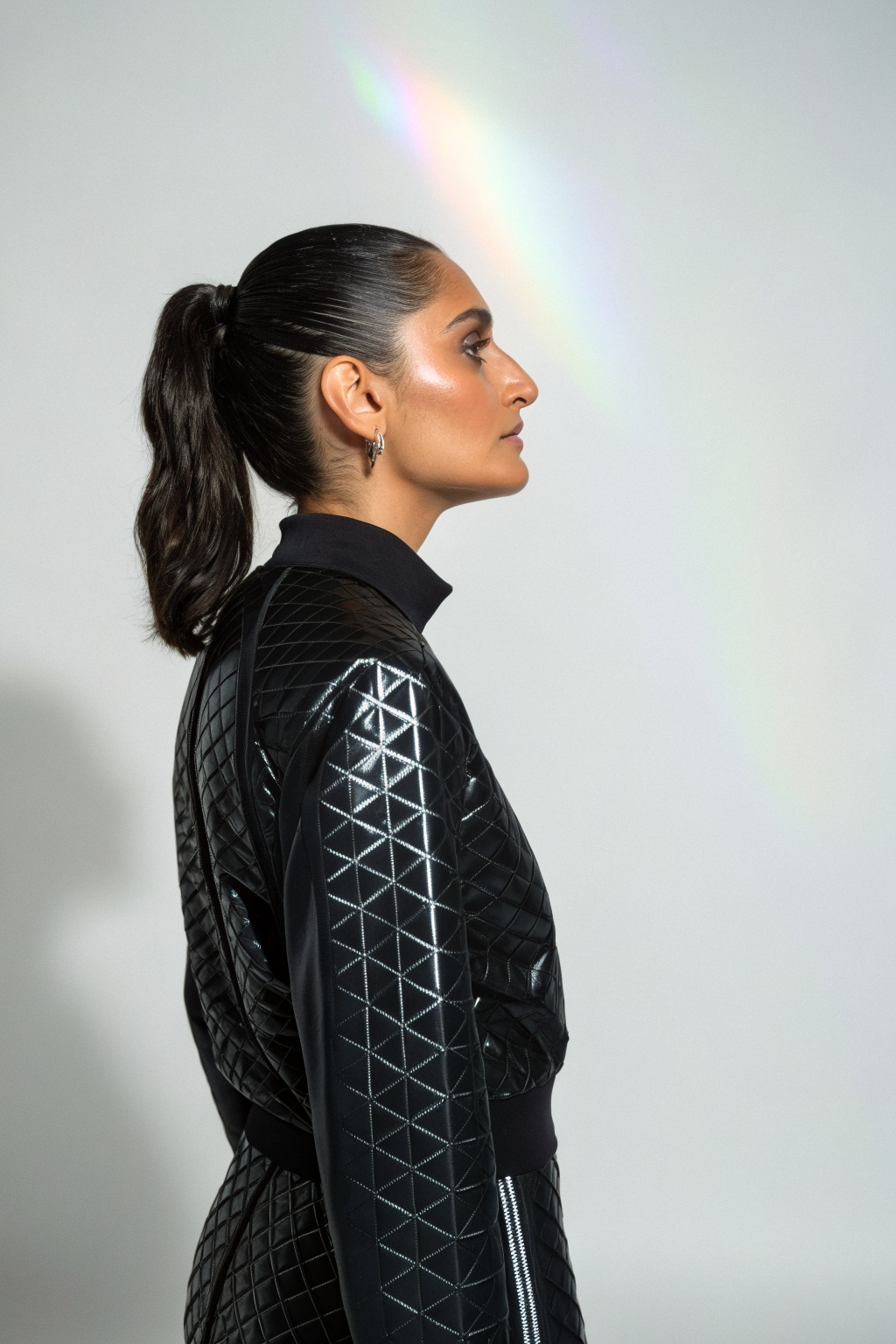
Every social media platform rewards faces. Posts with a person in the frame get more engagement, more saves, and more shares than posts without one. This is not a theory. It is one of the most consistent findings across every social media study in the last decade.
But for small business owners, this creates a problem. You cannot be on camera every day. You do not have the budget to hire a model. And you are not comfortable putting your face on every post, every story, and every ad.
AI avatars solve this. They give your brand a consistent face that shows up across every platform without you ever stepping in front of a camera. The technology has improved dramatically in the last year. What used to look uncanny and robotic now looks natural enough that most viewers cannot tell the difference.
What an AI Avatar Actually Is
An AI avatar is a digital representation of a person that you can use in photos and videos. You create it by training a model on a set of reference images, usually 10 to 20 photos of a person from different angles. Once trained, the model can generate new images and videos of that person in any setting, wearing any outfit, doing any action.
The key word is consistency. The same avatar looks like the same person across every piece of content. That is what makes it useful for branding. Your audience sees a familiar face in your posts, your stories, and your ads. Over time, that face becomes recognisable as the face of your brand.
How Small Businesses Are Using AI Avatars Right Now
Social Media Posts
Instead of stock photos or product-only shots, brands are placing their AI avatar in lifestyle settings. Your avatar holding your product. Your avatar sitting at a desk with your packaging. Your avatar standing in front of a wall of your best sellers. These posts get more engagement than product-only images because faces stop the scroll.
Instagram Stories
Your avatar can appear in story templates talking about new arrivals, restocked items, or limited-time offers. You write the text, the avatar delivers it. This works particularly well for brands that want a consistent story format without the owner having to record themselves every day.
Product Demos
Your avatar can demonstrate how a product works. A skincare brand can show their avatar applying a product. A fashion brand can show their avatar wearing different outfits from the collection. A food brand can show their avatar unpacking a delivery box. The avatar becomes your in-house presenter.
Email and Website
Add your avatar to your About page, your welcome email, and your order confirmation email. It gives your brand a face in places where customers expect to see a person but where you typically only see a logo.
How to Create Your AI Avatar
Step 1: Choose Your Avatar Style
Decide what your avatar should look like. This is a branding decision, not a technical one. Think about:
- Do you want the avatar to look like you, or should it be a fictional brand representative?
- What age range and style should the avatar have?
- What aesthetic does the avatar need to match (editorial, casual, professional)?
Many small brands choose an avatar that looks similar to the founder but not identical. This creates a sense of personal connection without the founder having to be on camera.
Step 2: Train the Model
Use an AI avatar platform to train your model. Upload 10 to 20 reference photos of the person your avatar is based on. The photos should cover different angles, different expressions, and different lighting conditions. The more variety in the training set, the more flexible the avatar will be.
Training typically takes 15 to 30 minutes. Once complete, you can generate unlimited images and videos of your avatar.
Step 3: Create Your First Batch of Content
Do not generate one image and post it. Generate 10 to 15 images in your first session. This gives you a content bank you can draw from for the next two weeks. Mix the settings:
- Three images of your avatar holding your product
- Three images of your avatar in a lifestyle setting (cafe, studio, office)
- Three images of your avatar in a flat-lay style composition
- Three images of your avatar against a solid colour background for ad creative
Save all of these in a dedicated folder so you always have avatar content ready to post.
Step 4: Establish a Posting Rhythm
The point of an avatar is consistency. Use it regularly, not occasionally. A good starting rhythm is two avatar posts per week on your main feed and one avatar appearance in your stories every day. Over time, your audience will associate the avatar with your brand the same way they would associate a founder’s face.
What to Avoid
Do not pretend the avatar is a real person. If someone asks, be honest. Saying it is an AI representation of your brand identity builds trust. Pretending it is a real person and getting caught destroys it.
Do not use the avatar for sensitive topics. If you are announcing a price increase, addressing a customer complaint, or talking about a supply chain issue, use your real face or a written statement. The avatar is for lifestyle and product content, not for crisis communication.
Do not let the avatar replace all human content. Mix in real behind-the-scenes photos, real product shots, and real customer content. The avatar should be part of your content mix, not all of it. A ratio of 30 percent avatar content to 70 percent real content is a healthy balance.
Do not use a generic avatar. The whole point is that your avatar is recognisable as your brand. If you use the same generic avatar template that 500 other stores are using, it defeats the purpose. Invest the time to train a custom avatar that looks like no one else.
How Much It Costs
The cost of creating and maintaining an AI avatar has dropped significantly. Most platforms charge a monthly subscription between $20 and $50 for unlimited avatar generation. Some charge per image or per video, which works better if you only need a few pieces of content per month.
Compare this to the cost of hiring a model for a single half-day shoot, which typically runs $500 to $2,000 plus a photographer. The avatar pays for itself in the first month if you are regularly posting on social media.
The Long-Term Play
An AI avatar is not a gimmick. It is a brand asset. The longer you use it, the more valuable it becomes. Your audience starts to recognise the face. They look for it in your posts. They associate it with your products. It becomes the visual shorthand for your brand.
This is the same thing that happens when a founder becomes the face of their company. The difference is that an avatar does not get tired, does not have bad skin days, and does not need to fly to a shoot location. It is always ready, always on brand, and always available.
For small businesses that cannot afford a model, a content team, or a full-time social media manager, an AI avatar is the most cost-effective way to put a consistent face on your brand across every platform.
Want more like this? Join MOKU Club for free. Weekly resources, early access to new guides, and occasional templates you can actually use. Join below.
Want to do this yourself? Our AI Social Media toolkit shows you how to create your own AI avatar, generate UGC-style content, and put your products on screen.