You launched one ad. It got 200 impressions, 3 clicks, and no sales. So you changed the image and tried again. Same budget, slightly different result, still no clear winner.
That is not ad testing. That is guessing with a budget. And it is how most small businesses burn through ad spend without learning anything.
AI-powered creative testing changes the math entirely. Instead of running one variation and hoping, you generate 30 to 50 versions of your ad in under an hour, test them simultaneously, and let the data tell you which one works. Here is how to actually do it.
Why Most Small Business Ad Testing Fails
The standard approach to ad testing looks like this: you design one ad, launch it, wait a week, see the results, then change one element and try again. Maybe you test two versions at a time if you are feeling ambitious.
This approach has three fatal problems:
- Speed — testing one variation per week means it takes months to find a winning combination
- Sample size — most small business audiences are too small for a two-variant test to reach statistical significance in a reasonable timeframe
- Scope — you are only testing what you can manually create, which means you are testing your assumptions, not the full possibility space
AI creative testing removes all three problems at once.
Step 1: Generate Your Ad Variations
Start with one core concept: a product photo and a rough headline idea. Then use AI to create variations across four dimensions:
- Headlines — Ask your AI tool to generate 10 headlines in different tones: urgent, curious, benefit-led, question-based, and direct. Paste your product description and ask for headline variations that highlight different angles
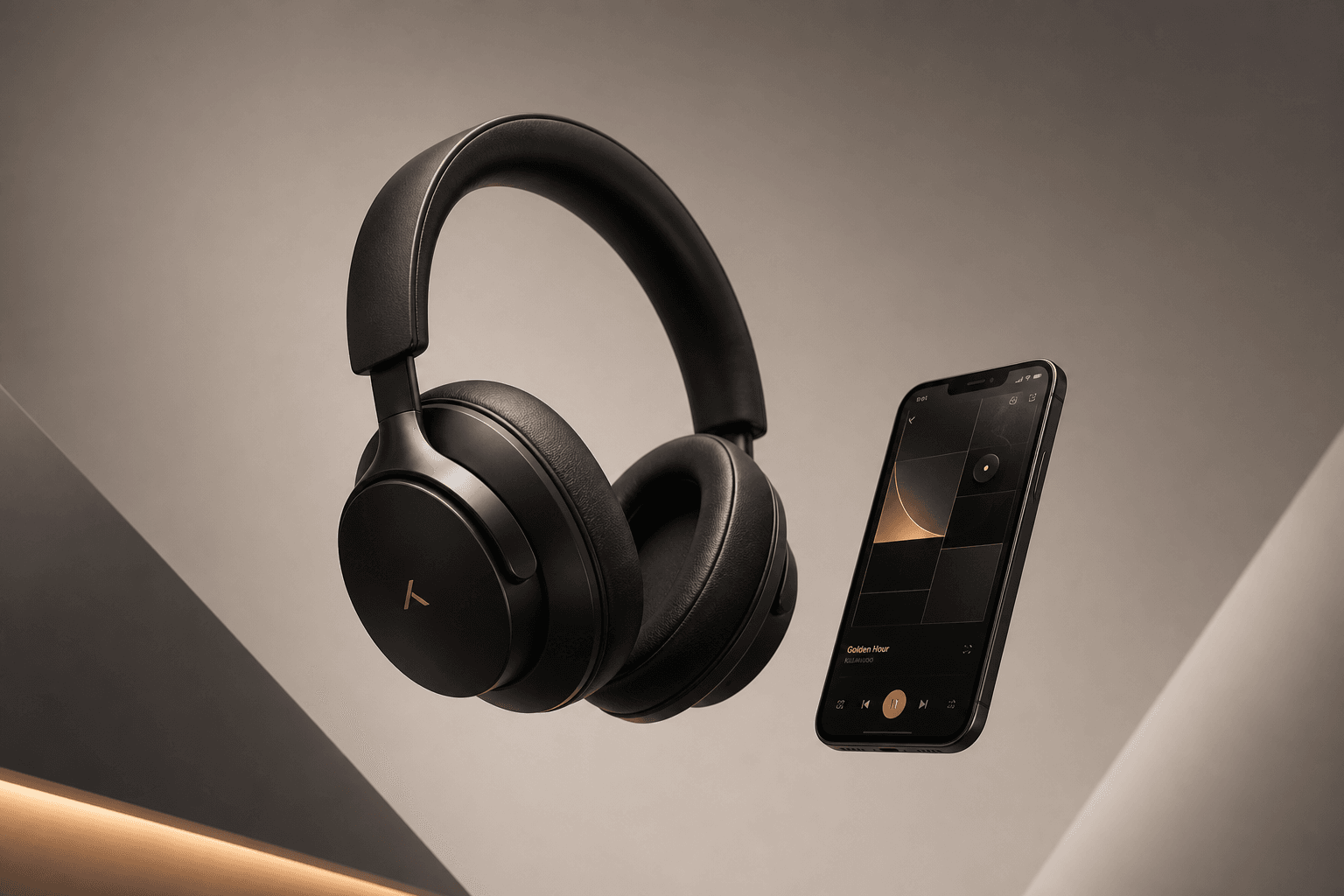
- Visual treatments — Upload your product photo to an AI image tool and generate 5 background variations: lifestyle scene, flat lay, colour-block, dark moody, and bright minimal
- Copy length — Create short-form (under 50 characters), medium-form (2 to 3 lines), and long-form (a full paragraph) versions of your primary message
- Call-to-action variations — “Shop now”, “See the collection”, “Get yours before it sells out”, “Learn more”, and a custom CTA tied to your specific offer
That gives you 10 headlines x 5 visuals x 3 copy lengths x 5 CTAs. That is 750 possible combinations. You do not need to test all of them. Pick 30 to 50 that feel distinct from each other.
The key word is “distinct.” Testing 5 variations that all say essentially the same thing in slightly different words is wasted budget. Each variation should test a genuinely different hypothesis about what your audience responds to.
Step 2: Set Up Dynamic Creative Testing
Both Meta Ads and Google Ads support dynamic creative optimisation (DCO). This is the feature that does the heavy lifting for you.
In Meta Ads Manager:
- Create a new campaign with the objective set to “Traffic” or “Conversions”
- At the ad set level, leave the creative section open
- Upload all your headline variations, image variations, and copy variations
- Meta automatically generates all combinations and tests them against each other
- After 48 hours, Meta starts favouring the combinations that perform best
In Google Ads:
- Create a Performance Max campaign
- Upload your assets: headlines, descriptions, images, and videos
- Google mixes and matches your assets across Search, Display, YouTube, and Gmail
- The system learns which combinations drive the most conversions
You do not have to manually create 50 separate ads. You upload the building blocks and the platform assembles the combinations.
Step 3: Run the Test for 7 Days Minimum
AI-generated creative needs time to accumulate enough data for the platform algorithms to make smart decisions. The minimum test period is 7 days. The ideal is 14 days.
During the test period, do not:
- Turn off variations that are underperforming early. The algorithm needs that data
- Change your budget more than once. Let the spend distribute naturally
- Pause the campaign and restart it. This resets the learning phase
- Add new variations mid-test. Start fresh instead
Watch these metrics daily:
- Click-through rate (CTR) — which headlines and images get clicks
- Cost per click (CPC) — which combinations are cheapest to run
- Conversion rate — which variations actually drive purchases
- Frequency — how often your audience sees the same combination
Step 4: Read the Results
After 7 to 14 days, your ad platform will tell you which combinations won. But the real value is in the patterns, not just the winner.
Look for:
- Which headlines consistently perform best — this tells you what messaging angle works. If curious headlines outperform urgent ones, write more curious copy
- Which visual style wins — if lifestyle backgrounds beat product-only shots by a wide margin, your audience wants context, not close-ups
- Which CTA drives the most conversions — “Shop now” might get clicks but “See what is new” might get purchases. The metric depends on your goal
- Which copy length works — some audiences want quick scannable text. Others want a story. The data tells you which
Write these patterns down. They become your creative brief for the next round. You are not just finding one winning ad. You are building a system that produces winning ads faster every time.
Step 5: Iterate With What You Learned
Take your top-performing combination and generate variations of just that winner. If the lifestyle background with the curious headline and short copy performed best, create 5 new variations that are 80% the same as the winner but change one element at a time.
This is called evolutionary testing. Each round narrows the gap between “good” and “great” by building on what the data already confirmed.
Practical iteration cadence:
- Week 1-2: Broad test with 30 to 50 variations across all dimensions
- Week 3-4: Narrow test with 10 variations based on top patterns
- Month 2: Evolutionary test with 5 variations of your best performer
After two months, you will have more data about what your audience responds to than most businesses collect in a year of manual testing.
The Budget Question
AI creative testing works with any budget, but you need enough spend for the platform algorithms to learn. The minimum viable budget for a 7-day dynamic creative test:
- Meta Ads: $5 to $10 per day per ad set (aim for at least 50 conversions per week for optimisation)
- Google Performance Max: $15 to $20 per day minimum (Google needs more data to optimise across channels)
If you are spending less than $5 a day, stick to manual A/B testing with 2 to 3 variations. Dynamic creative needs data volume to work.
What This Looks Like in Practice
A small candle business ran a dynamic creative test with 36 combinations: 6 headlines, 3 image styles, and 2 copy lengths. After 10 days, the data showed:
- Question-based headlines (“Ready for a candle that actually fills the room?”) outperformed benefit statements by 2.3x
- Warm-toned lifestyle backgrounds beat white product-only shots by 1.7x
- Short copy (under 80 characters) converted at 3x the rate of long copy
- The CTA “See the range” outperformed “Shop now” by 40%
None of these patterns were obvious before the test. The business assumed product-only images would win because they looked “professional.” The data said their audience wanted context and warmth. That insight shaped every ad they ran for the next 6 months.
Stop Guessing, Start Testing
The difference between a business that tests ads and one that does not is not budget. It is process. AI gives you the variations. Dynamic creative gives you the testing engine. You just need to upload the pieces, set the budget, and read the results.
One round of testing tells you more than six months of intuition. Two rounds give you a playbook. Three rounds give you a competitive advantage that compounds every month.
Want more like this? Join MOKU Club for free. Weekly resources, early access to new guides, and occasional templates you can actually use. Join below.