Why Your Social Feed Looks Empty (and What AI Can Actually Do About It)
You have shot the product photos. You have written the captions. You have posted three times this week and you are already out of ideas. Meanwhile, your competitor seems to have endless content: lifestyle shots, flat lays, customer-style photos, carousel posts, stories. How?
Some of it is real UGC from actual customers. But a growing share is AI-generated content that looks like UGC. Product images placed in realistic settings. Models who do not exist wearing clothes that do. Backgrounds that feel authentic but were generated in 30 seconds.
This is not about faking authenticity. It is about filling the gap between what you can produce and what your feed needs to look like a real brand. Here is how small businesses are using AI to create UGC-style content without booking a single shoot.
What AI-Generated UGC Actually Looks Like
Forget the plastic AI images from two years ago. The current generation of image tools can produce lifestyle product shots that are indistinguishable from real photography. We are talking about:
- Product-in-context shots: Your candle on a marble shelf next to a coffee cup and a book. Your shirt on a model walking down a real-looking street. Your skincare bottle on a bathroom counter with soft morning light.
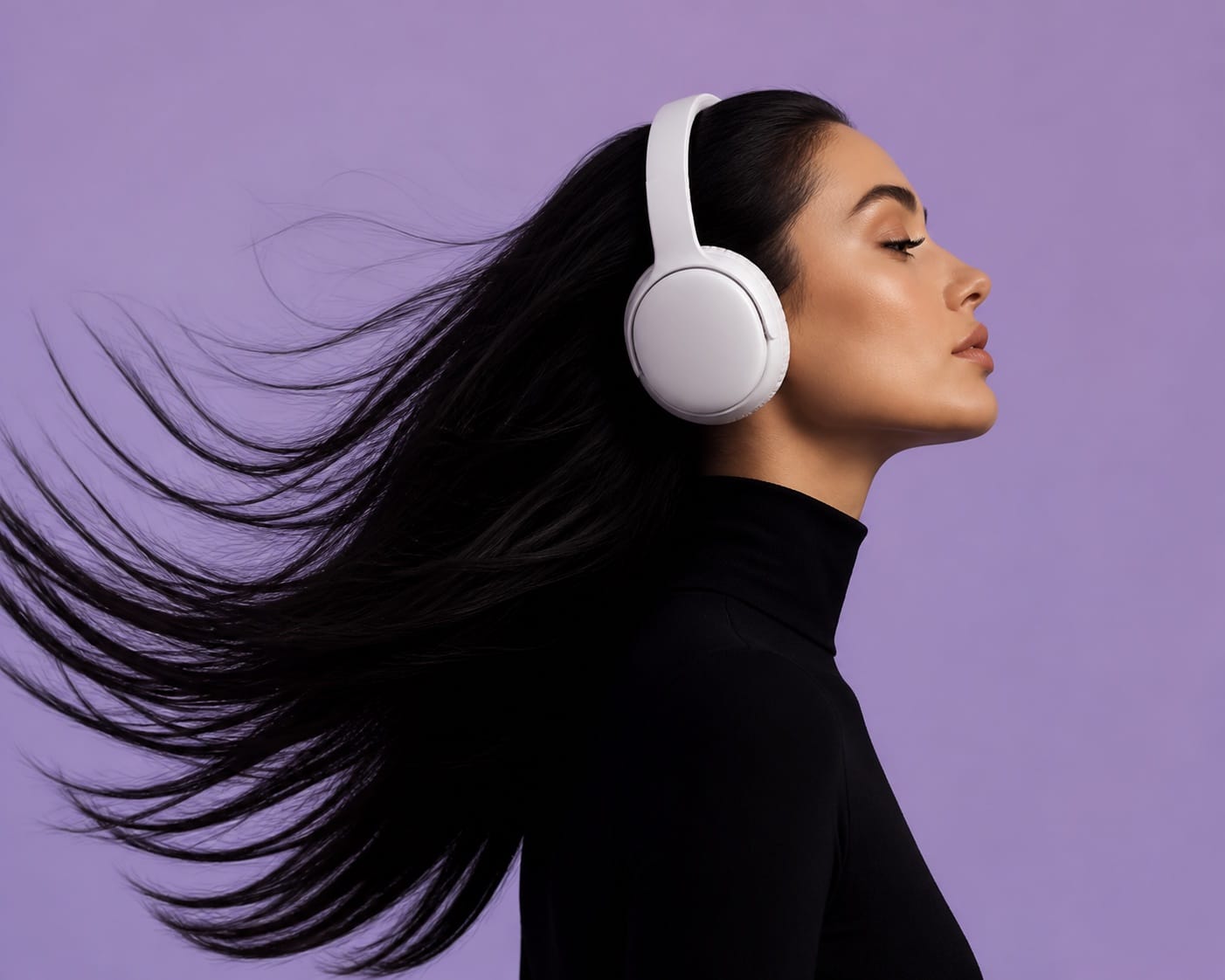
- Model shots without models: AI-generated people wearing your products in realistic settings. Not cartoonish. Not uncanny. The kind of image that scrolls past without raising an eyebrow.
- Scene variations at scale: One product, 20 settings. Kitchen counter, office desk, bedside table, park bench. Each one takes 30 seconds to generate instead of 3 hours to shoot.
The point is not to trick anyone. The point is to have enough content to fill your feed, test what resonates, and stop relying on the same three product photos for every single post.
How to Generate UGC-Style Content Step by Step
Step 1: Start with a real product photo. AI works best when you give it a clear reference. Take one clean product shot on a plain background. White, cream, or light grey. This becomes your base image for every variation.
Step 2: Choose your scenes. Think about where your customer actually uses the product. A candle belongs on a shelf, a table, a bathroom counter. A t-shirt belongs on a person walking, sitting, leaning. Write down 5-10 scene descriptions that match your customer’s real life.
Step 3: Generate with specificity. The key to good AI content is a specific prompt. Do not write “candle on a table.” Write “hand-poured soy candle in an amber jar sitting on a white marble shelf next to a ceramic coffee cup and a hardcover book with a beige cover, soft morning light from a window on the left, warm neutral tones, editorial lifestyle photography.”
The more specific your lighting, materials, and composition, the more realistic the output. Vague prompts give you generic stock photos. Specific prompts give you content that looks like it belongs on your brand’s feed.
Keeping It Honest
There is a line between filling your feed and misleading your audience. Here is how to stay on the right side:
- Mix AI content with real content. Use AI to fill gaps between your real photo shoots, not to replace them entirely. Your feed should have both.
- Do not fake testimonials or reviews. AI-generated images of people holding your product and smiling are fine. AI-generated reviews claiming they bought it are not.
- Consider labelling. If your audience is savvy, a small “AI-generated” tag on lifestyle shots builds trust rather than eroding it. Many brands now do this openly.
- Use real product photos for decision-making pages. Product pages, checkout, and close-up detail shots should still be real photography. AI is for social, email headers, and mood-setting.
The Tools That Work Best Right Now
For product-in-context shots, image generation tools that accept a reference image give you the most control. Upload your clean product photo and describe the scene. The AI places your product in that scene while keeping its shape, colour, and label recognisable.
For model shots, avatar-based tools let you generate diverse models wearing your products. You pick the body type, skin tone, pose, and setting. The result looks like a real campaign shoot.
For video content, the newer AI video tools can animate a still product image into a 5-10 second clip. A candle flickering. A shirt being unpacked. A skincare routine in motion. These short clips are perfect for Reels, Stories, and TikTok.
What to Do This Week
Pick one product. Take one clean photo. Generate 5 scene variations. Post them across your social channels. See which scene gets the most saves and shares. Then generate more of what works.
UGC-style AI content is not about replacing real customer photos. It is about having enough good content to show up consistently, test what resonates, and stop staring at an empty content calendar wondering what to post next.
Want more like this? Join MOKU Club for free. Weekly resources, early access to new guides, and occasional templates you can actually use. Want to create your own AI avatar and generate UGC-style content? Our AI Social Media toolkit shows you how.