You generate an image with AI. It looks great. You want to change the tagline, swap the background, move the logo, adjust the colours. You cannot do any of that because you have a flat file.
That problem just got a solution. Canva Magic Layers, the tool that decomposes any image into editable layers, is now available directly inside ChatGPT and Google Gemini. No download. No re-upload. No switching tabs.
Generate an image, type one prompt, and you get a fully layered Canva design you can edit, resize, and export.
What Magic Layers actually does
When you generate an image in ChatGPT or Gemini, you get a single flat file. Every element, the text, the background, the objects, the colours, is baked into one layer. Want to change the font? Swap a colour? Move an object? You either start over or open Photoshop.
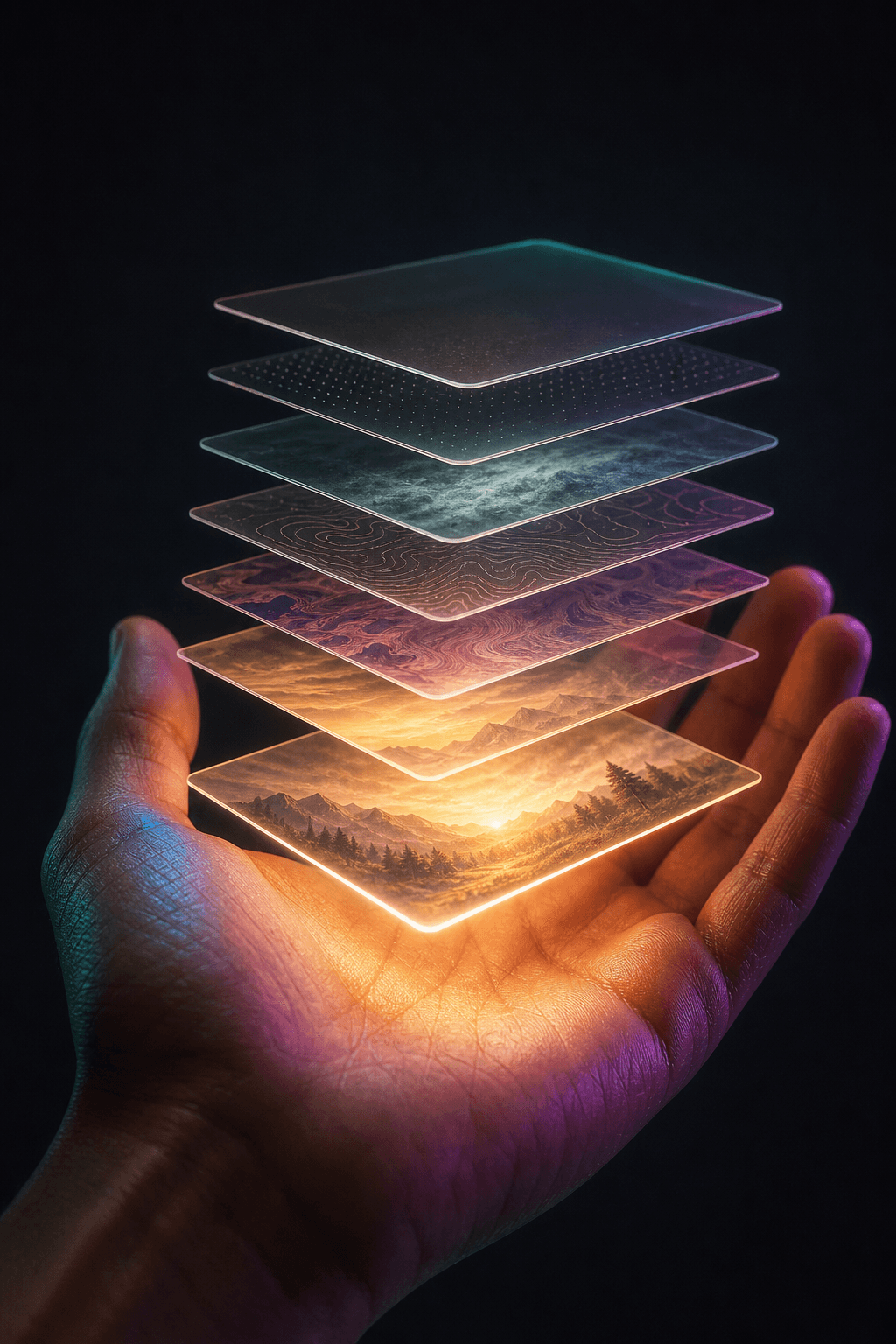
Magic Layers changes that. It takes any flat image and separates it into individual editable elements:
- Text becomes live, selectable text you can rewrite, reposition, and reformat
- Objects become selectable layers you can move, resize, or remove
- Backgrounds become their own layer you can swap, delete, or regenerate
- Colours can be isolated and changed independently
Canva says Magic Layers was used over nine million times in its first four weeks after launching in March. That is not a niche feature. That is a lot of people hitting a wall with flat AI images and looking for a way through it.
How to use it in ChatGPT
The workflow is simple:
- Generate an image in ChatGPT the way you normally would
- Type something like “turn this into an editable Canva design”
- ChatGPT hands the image to Magic Layers
- Within seconds you have a fully layered Canva file open and ready to edit
No download. No re-upload. No copy-pasting between apps.
The same flow works in Google Gemini. Generate an image, type @Canva, and get a layered design back.
What you can actually do with it
Brand assets in one sitting
Generate a product image with ChatGPT. Prompt Magic Layers. Pull out the background. Swap the colours to match your brand palette. Resize for every platform. That is a full set of brand assets in minutes, not a back-and-forth with a designer over days.
Posters and social graphics you can actually edit
Generate a scene for a running club poster in Gemini. Use Magic Layers to isolate the sky into its own layer. Drop in your club name and event date. Change the font to match your brand. Done in five minutes.
Mood boards and design briefs
Generate three different room aesthetics. Use Magic Layers to isolate the sofa, the rug, the lamp as separate objects. Move them around. Swap in the actual furniture you are considering. You just built a mood board and a design brief in one go.
Product mockups that match your brand
Generate a product shot. Unlock it with Magic Layers. Pull out the background. Drop in your own brand colours. Adjust the text. Export for Instagram, for your website, for a Facebook ad. Same image, multiple formats, all editable.
Why this matters for small business content
The gap between generating an AI image and getting something you can actually use has been huge. You could make something beautiful but you could not change it. Every tweak meant starting over.
This integration closes that gap. The old workflow was: generate, download, re-upload, edit. The new one is: generate, edit, ship.
For small businesses that do not have a designer on call, this is the difference between an AI image that sits in a folder and one that ends up on your Instagram, your website, and your email header.
What to look out for
Magic Layers works best on images with clear visual separation between elements. A product on a solid background will decompose cleanly. A complex scene with overlapping elements may need more manual cleanup.
The text extraction is good but not perfect. Hand-drawn text, decorative fonts, and overlapping type can sometimes come through as image layers rather than live text. You may need to retype short labels.
Also worth noting: the integration works with the Canva Design Model, not just any image tool. So the quality of the layer separation depends partly on the source image. AI-generated images from ChatGPT and Gemini tend to decompose well because their structure is often clean.
Availability
Magic Layers inside ChatGPT and Gemini is available now to all users. No special tier, no waitlist. If you can generate an image in either platform, you can prompt it into Canva.
The Canva Design Model that powers Magic Layers also runs integrations with Claude and Microsoft Copilot. So this is not just a ChatGPT feature. Canva is positioning itself as the design engine for every AI assistant. If you are generating images anywhere, they want the finish line to be a Canva file.
Want more like this? Join MOKU Club for free. Weekly resources, early access to new guides, and occasional templates you can actually use. Join below.