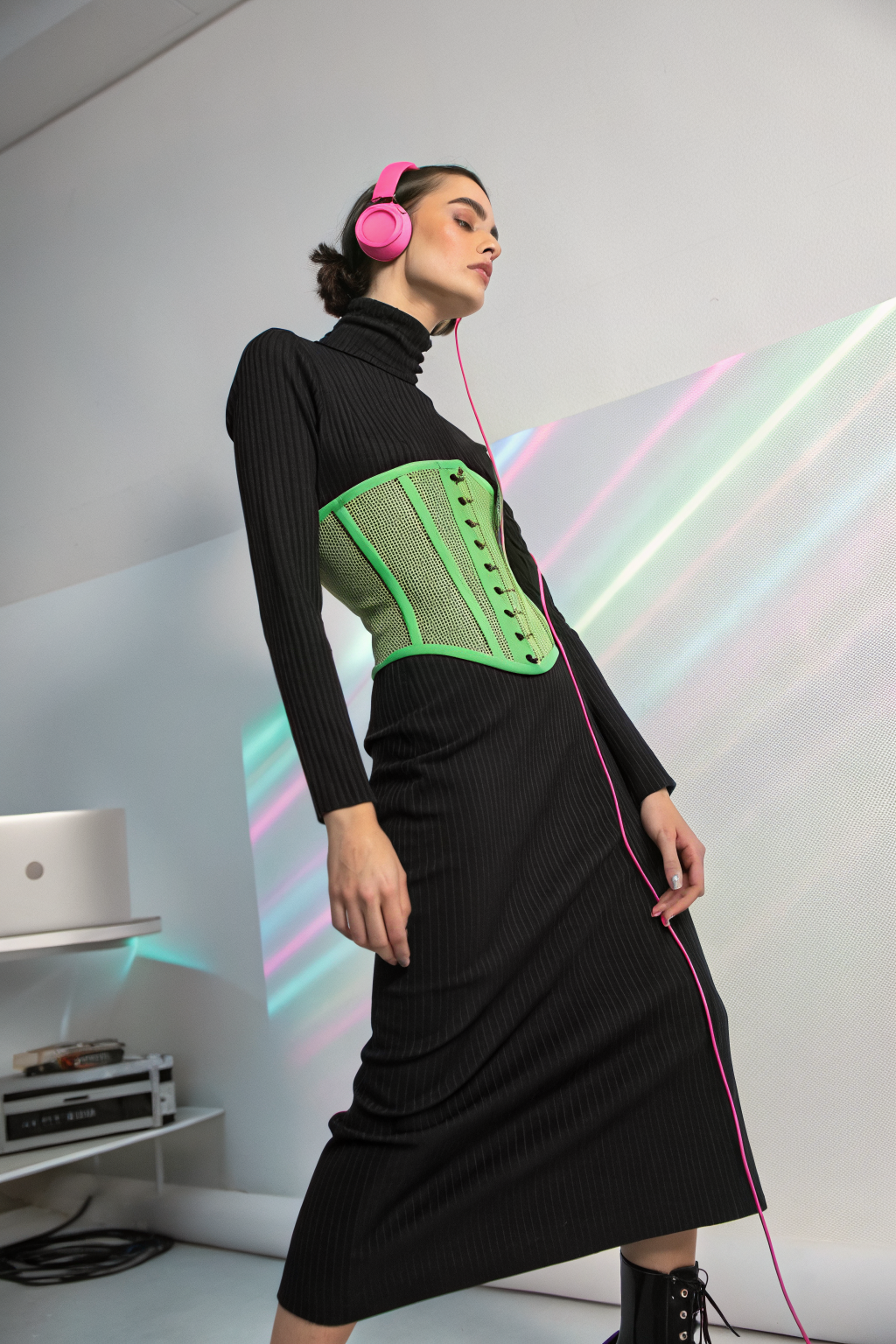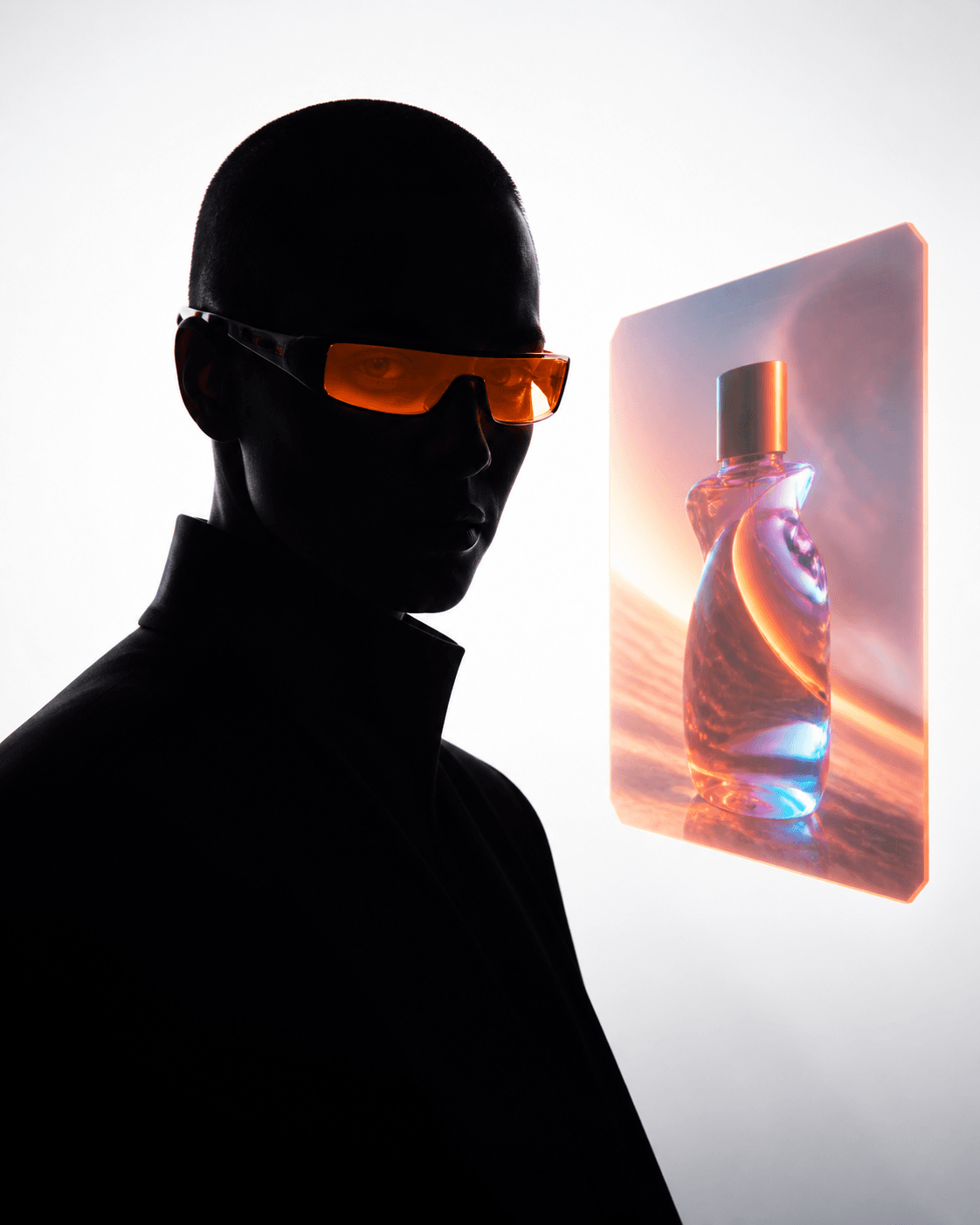
xAI just dropped Imagine Image 2.0 inside Grok, and it is not just another image model with cleaner outputs. This one ships with a complete editing toolkit: a magic wand for region-targeted edits, segmentation for surgical precision, background removal with transparency export, and multi-reference generation that accepts up to five input images at once.
It also ranked number two worldwide on both the text-to-image and image-editing Arena leaderboards on launch day, right behind GPT-Image-2. That is not a small claim. Here is what it actually does and what it unlocks for anyone making visual content.
What Just Landed
Imagine Image 2.0 is now available as the Quality Mode on grok.com/imagine and in the Grok iOS and Android apps. API access is listed as coming soon with no date yet.
The headline features:
- Magic Wand editing: Point at a region of an image and change only that part. The rest of the image stays untouched. Want to swap a product colour without regenerating the entire scene? Click the product, describe the new colour, done.
- Segmentation editing: Select precise areas to modify with surgical control. This is the kind of editing that used to require Photoshop layers. Now it happens inside the generation itself.
- Background removal: Strip any subject out of its background with a transparent export. Drop it straight into a layout, a mockup, or another composition. No manual masking needed.
- Multi-reference generation: Feed up to five reference images into a single prompt. The model composites visual elements from all of them. No more stitching sources together by hand in a separate tool.
- Smart Resize: Take one image and recompose it across nine aspect ratios, from 1:2 tall banners to 2:1 wide banners, with the model filling in the new frame content intelligently.
- Templates: Pre-configured workflows for product shots, professional headshots, e-commerce listings, game assets, marketing posters, and more. You supply the inputs. The template handles the prompt engineering and settings.
Why This Is Different From Just Another Image Generator
Most AI image tools treat editing as an afterthought. You generate, you like most of it, you regenerate the whole thing hoping the next version fixes the one thing you wanted to change. Imagine Image 2.0 flips that. Editing is the core capability, not a side feature.
The magic wand tool is the standout. Instead of regenerating an entire image to change one element, you point at the region and describe what you want instead. The model understands the context around that region and fills it in naturally. Change a product colour. Swap a background element. Adjust lighting on one object. All without touching the rest of the frame.
Segmentation takes this further. You can select exact boundaries of an area, down to the pixel, and modify only that selection. For anyone who has spent time masking in Photoshop, this eliminates the most tedious part of the workflow.
Multi-reference generation solves the compositing problem that has plagued AI image tools since day one. Previously, if you wanted to combine visual elements from three different product shots into one hero image, you had to generate each separately, open Photoshop, mask, layer, blend, and hope the lighting matched. Now you feed up to five references into one prompt and the model handles the compositing natively.
Smart Resize is another practical gem. Resize a social post from 1:1 to 9:16 without cropping or stretching. The model recomposes the image, extending backgrounds, adjusting composition, and keeping the subject framed correctly in every ratio.
What This Unlocks for Content Creators
For anyone making visual content for e-commerce, social media, or marketing, Imagine Image 2.0 compresses a multi-tool workflow into one session inside Grok.
Product photography at scale: Generate a product shot from a reference photo, then use the magic wand to swap colours across five variations. Use background removal to export the product with transparency for mockups. Smart Resize each variation into 1:1, 4:5, and 9:16 for Instagram, and 16:9 for a website banner. One generation pipeline, every format you need.
Consistent brand imagery: Multi-reference generation lets you combine your brand colour palette, a style reference, and a product shot into one prompt. The model produces imagery that references all three. No more generating something close and then manually colour-correcting.
Ad creative iteration: Start with a single base image. Use the magic wand to swap headlines, move the product, change the background, adjust the mood. Each variation takes seconds, not a full regeneration cycle. This is the kind of rapid iteration that used to require a designer in Photoshop for 30 minutes per variation.
E-commerce listing automation: The templates for e-commerce listings are pre-configured for exactly this use case. Upload your product photo, describe the setting, and the template handles the rest. Generate the main hero, crop variations, and alternative angles from a single input.
Where It Ranks and What That Means
xAI reports that Imagine Image 2.0 ranks second worldwide in both text-to-image generation and image editing on the Arena leaderboards, behind GPT-Image-2 in both categories. The low-quality preset scores 1320 in text-to-image and 1439 in editing. The Quality Mode (the one most users will interact with) produces the higher-fidelity outputs.
These are Arena rankings, which means blind human preference comparisons. People picked Imagine Image 2.0 outputs over everything else currently available except GPT-Image-2. That is a meaningful placement, especially for a model that also ships with built-in editing tools that GPT-Image-2 does not have in the same integrated way.
What to Look Out For
The editing tools are genuinely new territory for a consumer-facing AI image product. Region-level editing with context awareness, five-reference compositing, and smart resizing are capabilities that, until now, required a separate tool chain of Photoshop, manual masking, and manual compositing.
The templates are worth watching. If they work as promised, they package prompt engineering expertise into ready-made workflows. Product shots, headshots, e-commerce listings, and game assets all become plug-and-play. For small businesses and solo creators who do not have the time to fine-tune prompts, this could be the feature that actually makes AI image generation practical for daily use.
API access is coming but not dated yet. When it arrives, the editing tools, multi-reference inputs, and smart resizing all become available programmatically. That opens the door to batch workflows: generate 50 product variations, resize each into 5 aspect ratios, export with transparent backgrounds, and deliver the entire set without touching a single UI.
The gap between generating and editing just collapsed. The next generation of AI image tools will not ask you to choose between starting over or opening Photoshop. They will let you point at what you want to change and change it.
Want more like this? Join MOKU Club for free. Weekly resources, early access to new guides, and occasional templates you can actually use. Join below.