# How to Build a Complete Product Page in Under 20 Minutes With Shopify Tinker
Shopify launched Tinker in March, and if you sell online and have not tried it yet, you are leaving the fastest product-page workflow on the table. Tinker is a free mobile app with over 100 AI tools bundled into one place. No subscriptions. No prompt engineering required. Just open it and build.
Here is how to create a full product page, from photos to copy, in under 20 minutes.
## Step 1: Generate your product photography (5 minutes)
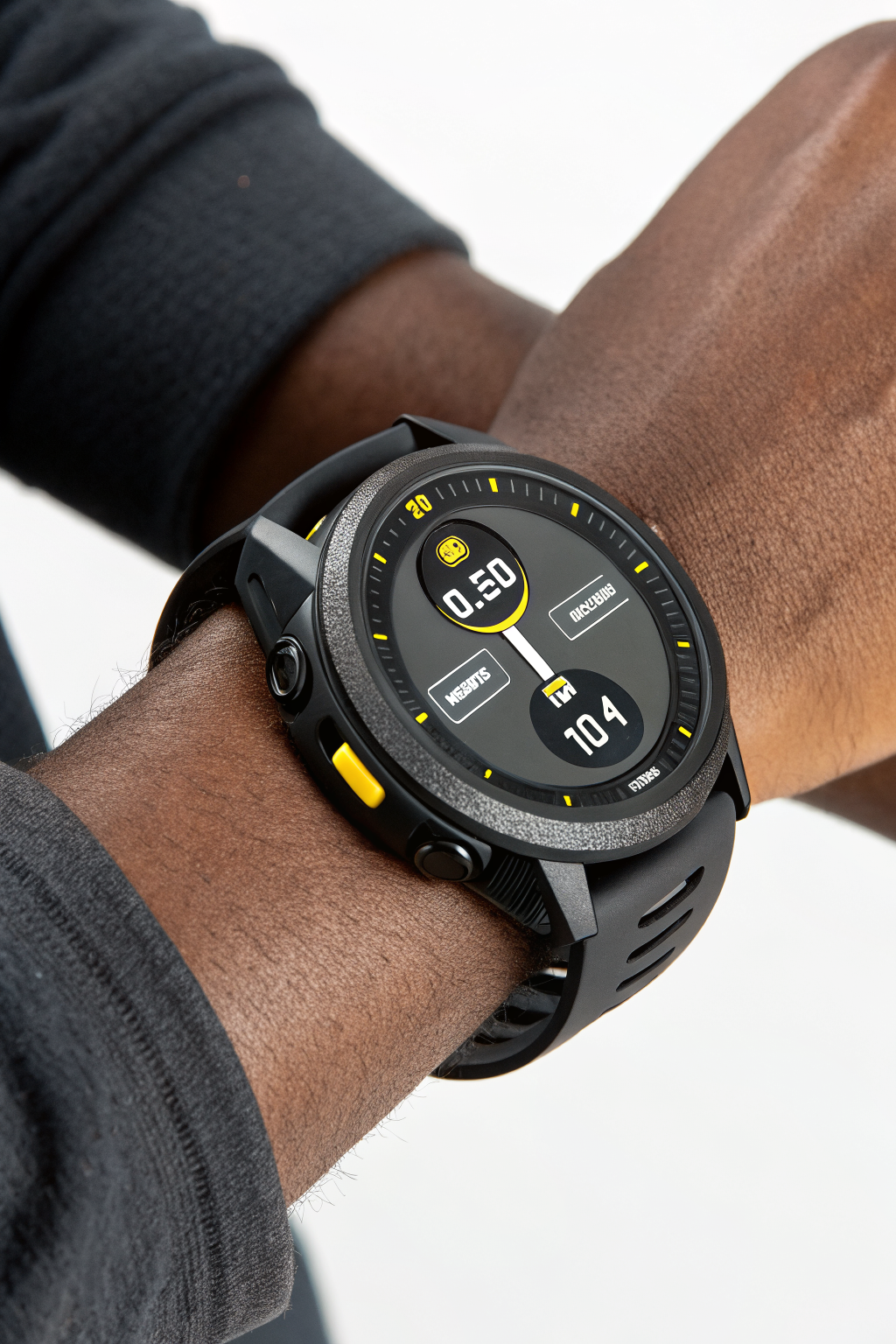
Open Tinker and find the **Product Photo** tool. Upload a simple phone shot of your product on a clean surface. Tinker’s AI removes the background and generates studio-quality product shots with different backdrops: clean white, lifestyle scene, flat lay, gradient.
Pick three: one hero, one lifestyle, one detail shot. Download them.
If you have multiple products, the **Batch Product Photo** tool handles several at once.
## Step 2: Create a product morph video (5 minutes)
Video on a product page increases conversion, period. Tinker has a **Product Morph Video** tool that creates a smooth loopable video of your product rotating or transforming. Upload the same product photo you used for the hero image. Tinker generates a short MP4.
This is the kind of video that used to require a turntable, a camera rig, and an hour of editing. Now it takes two taps.
## Step 3: Write your product description (5 minutes)
Use the **Product Description** tool inside Tinker. Paste your basic product details: name, materials, dimensions, key features. Tinker generates SEO-optimised copy with headings, bullet points, and a natural tone.
Edit the output to match your brand voice. Remove anything that sounds generic. Add one line that only you could write, something specific about why you made this product or how customers actually use it.
## Step 4: Build the page in Shopify (5 minutes)
1. Go to your Shopify admin and create a new product.
2. Upload the three photos and the morph video.
3. Paste the description from Tinker.
4. Set your price, inventory, and shipping.
5. Hit Save, then set the product to Active.
That is it. You went from a phone photo to a live product page with video in 20 minutes, and you spent exactly zero dollars on tools.
## When Tinker is not enough
Tinker is great for getting to 80% fast. If you need custom brand styling, complex compositions, or very specific art direction, you will still want a designer or a more powerful image tool. But for day-to-day product launches, Tinker removes every excuse you had for putting it off.
Want more like this? Join MOKU Club for free. Weekly resources, early access to new guides, and occasional templates you can actually use. Join below.