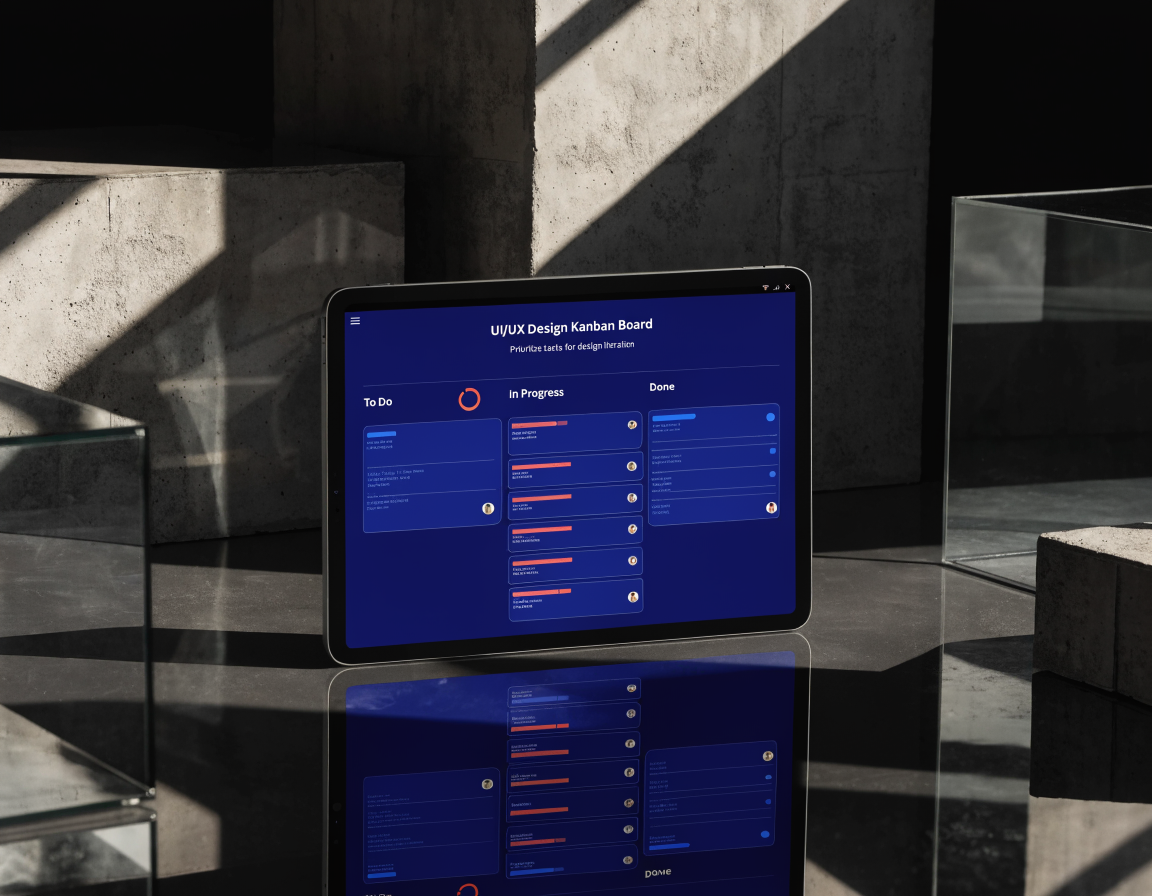
How to Pick a Project Management Tool When You’re Drowning in Tasks
You started with a to-do list. Then it became a spreadsheet. Then a messy spreadsheet. Then Post-it notes on your monitor, a Trello board you stopped updating, and a group chat where tasks go to die.
At some point, the system that was supposed to keep you organised became another thing to manage. That is when you need a proper project management tool. But which one?
What you actually need
Before looking at tools, write down what you need. Not features. Problems.
- Do you lose track of what is in progress?
- Do deadlines slip because nobody is accountable?
- Do you need to see everything at once, or just what is due this week?
- Are you a team of one, five, or twenty?
- Do clients need visibility into progress?
Your answers narrow the field fast. A solopreneur needs something different from a team of twelve.
The main options, honestly compared
Trello
Best for: visual thinkers, simple workflows, small teams (1-5 people)
Trello uses boards, lists, and cards. Drag a card from “To Do” to “Doing” to “Done.” It is intuitive and fast to set up.
Where it struggles: complex projects with dependencies. If task C cannot start until task A and B are done, Trello does not handle that well. Power-Ups add features but also add cost and clutter.
Honest take: Trello is great until your projects have more than two layers. Then you start stretching it and the board gets messy.
Asana
Best for: teams that need structure, recurring workflows, clear ownership
Asana gives you projects, tasks, subtasks, assignees, due dates, and timelines. It handles complexity better than Trello without feeling overwhelming.
Where it struggles: the free tier is limited. You hit paywalls on timeline views, custom fields, and forms fairly quickly. The interface can feel heavy for simple task tracking.
Honest take: solid for growing teams that need process. Overkill for a solo operator who just wants to track tasks.
Monday.com
Best for: teams that want visual dashboards and custom workflows
Monday.com is flexible. You can build almost any workflow with its board system. Colour coding, automations, and integrations are strong.
Where it struggles: it is expensive. The free plan is very limited. Setting up boards takes time, and the flexibility means you can build a mess if you are not disciplined.
Honest take: powerful but pricey. Good if you need dashboards for client reporting or team visibility and the budget is there.
Notion
Best for: people who want everything in one place, docs, tasks, wikis, databases
Notion is a builder’s tool. You create the system you want: pages, databases, linked views, templates. It replaces your docs, task manager, and wiki.
Where it struggles: you have to build it. There is no “start working in 5 minutes” experience. Notion rewards setup time with flexibility, but that setup time is real. Also, offline support is weak.
Honest take: brilliant if you enjoy building systems. Frustrating if you want something that works out of the box.
ClickUp
Best for: teams and solopreneurs who want one tool that does almost everything
ClickUp tries to be everything: tasks, docs, whiteboards, time tracking, goals, dashboards. And it mostly pulls it off.
Where it struggles: the interface is dense. There are a lot of features and a lot of settings. New users can feel overwhelmed. The mobile app is not as polished as the desktop version.
Honest take: ClickUp gives you the most capability for the price. The free tier is genuinely useful. It takes a bit of setup, but once you have your views and workflows configured, it handles complexity that breaks other tools.
My recommendation
If you are drowning in tasks, you need a tool that can handle the mess without making you spend hours configuring it.
For solopreneurs and small teams: start with ClickUp. The free plan covers tasks, docs, time tracking, and multiple views (list, board, calendar). You can set up a working system in under an hour. When you outgrow the free tier, the paid plans are competitively priced.
The key is to actually use it. A project management tool only works if you commit to putting everything in it. Half your tasks in ClickUp and half in your head means you are still drowning. Pick one tool, move everything in, and give it two weeks before you judge.
Getting started in 30 minutes
- Create a Workspace called your business name
- Set up three Spaces: Client Work, Internal, Personal
- In Client Work, create a List view with statuses: To Do, In Progress, Review, Done
- Add every active project as a Folder
- Add every task you can think of. Do not organise yet. Just dump.
- Set due dates on anything with a deadline
- Assign everything to yourself (or the right person)
That is it. You have a working system. Refine it as you go.
The best tool is the one you will actually use. Start simple, add complexity only when you need it, and stop trying to remember everything in your head.
Want more like this? Join MOKU Club for free. Weekly resources, early access to new guides, and occasional templates you can actually use. Join below.