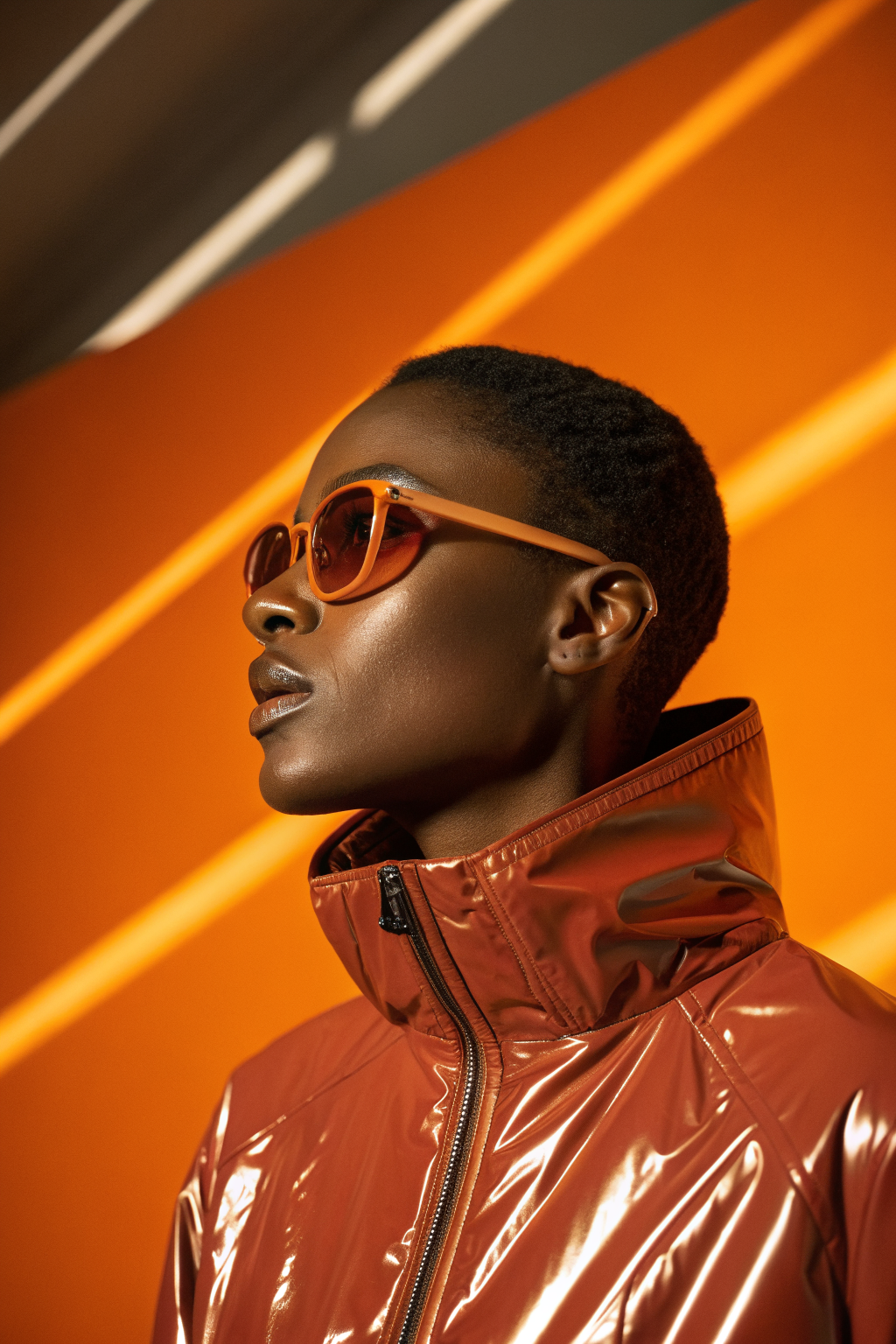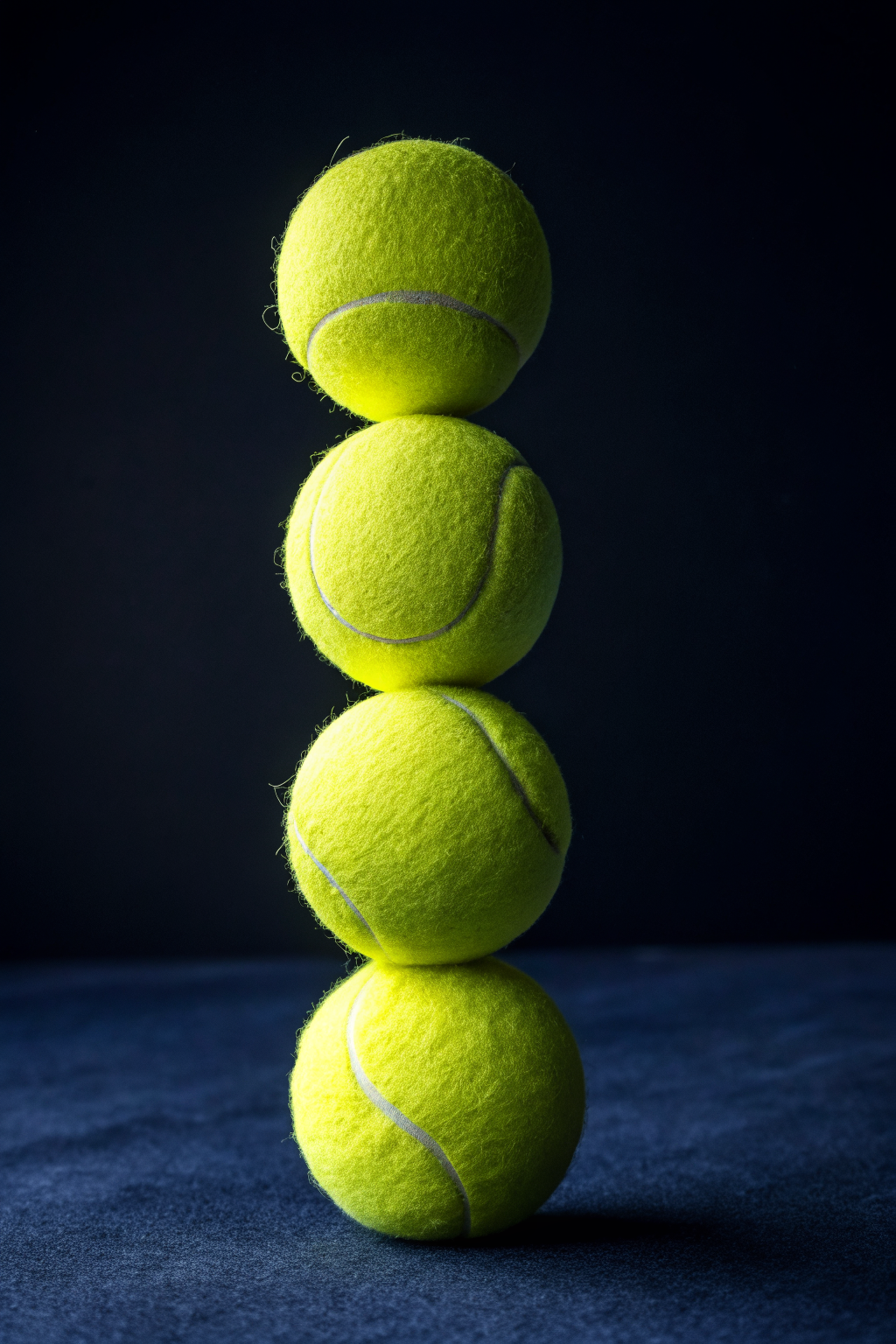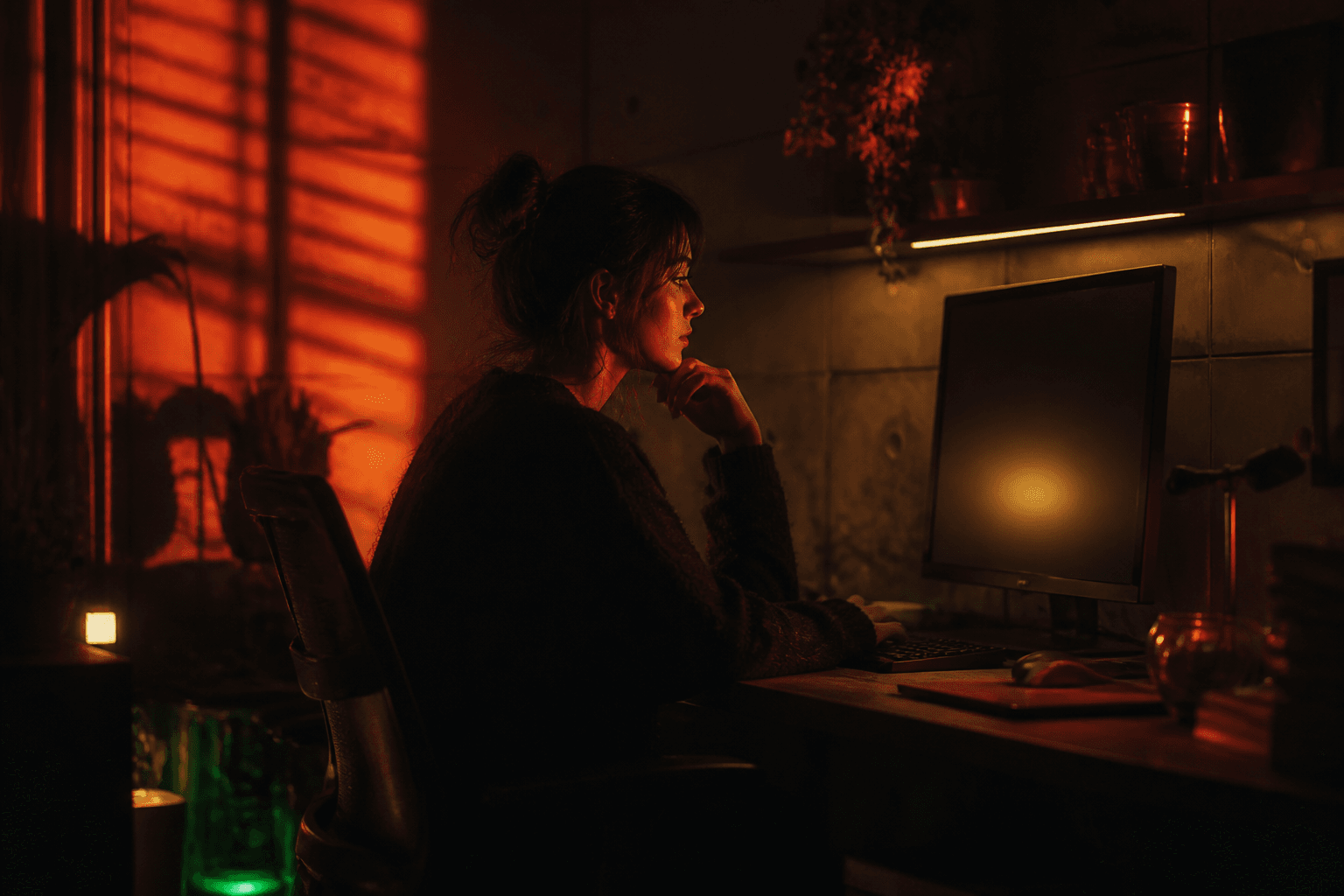
Microsoft just dropped MAI-Image 2.6 and it landed at number two on the Arena text-to-image leaderboard, ahead of Google, Meta, and xAI. That is not a small jump. It scored 79 Elo higher than MAI-Image 2.5 overall, with text rendering alone improving by 91 Elo.
If you have been watching the AI image space heat up this year, this one matters. Here is what 2.6 can actually do and where it fits in the competitive landscape.
What MAI-Image 2.6 Does Better
The headline number is the Arena ranking. Number two on the overall text-to-image leaderboard, right behind whoever holds the top spot this week. But the category breakdowns tell a more useful story.
Text rendering jumped 91 Elo. This is the one everyone has been waiting for. AI-generated text inside images has been the stubborn problem that every model claims to have solved and none actually had. MAI-Image 2.6 renders lettering, logos, headlines, and product labels with noticeably fewer typos, warped characters, and phantom glyphs. If you generate product mockups, packaging concepts, or social graphics with overlaid text, this matters directly.
Portraits and 3D imagery improved. Face consistency, skin texture detail, and lighting realism in portraits all moved up. The 3D rendering category (product shots, objects with realistic materials and reflections) also saw gains, which makes 2.6 more viable for product mockups and commercial design work without reaching for a separate 3D rendering tool.
Commercial and branding output got sharper. The product, branding, and cinematic categories all improved. If you are generating ad concepts, brand identity visuals, campaign imagery, or short-form video storyboards, 2.6 produces cleaner, more polished outputs with fewer of the telltale AI artifacts that make images look obviously generated.
What This Means for Creative Work
Here is where the practical impact lands.
Product mockups just got more reliable. The combination of better text rendering and stronger 3D imagery means you can generate product shots with realistic labels, packaging text, and branded elements without spending 20 minutes in post fixing warped letters. That was the single biggest blocker for using AI-generated product images in real client work. It is not perfect yet, but 91 Elo of improvement on text means it is now in the range of usable for comps and mockups that do not need to pass a forensic inspection.
Brand visuals are production-ready faster. Campaign concept images, social media graphics, presentation slides, pitch deck visuals. All of these sit in the space where “good enough to communicate the idea” is the bar, and 2.6 clears it more consistently than 2.5 did. The gap between what you imagine and what the model produces shrank.
Cinematic and editorial imagery. The cinematic gains are real. Lighting, composition, and mood are more controllable. For anyone storyboarding video content, creating mood boards, or generating reference frames, this is a meaningful upgrade.
How to Try It Right Now
MAI-Image 2.6 is available today on Arena for text-to-image. Microsoft says it is coming to MAI Playground later this week, and rolling out across Microsoft Foundry and other products after that.
If you want to put it through its paces with the capabilities that improved the most, here are prompts worth testing:
Text rendering test: A minimalist product label for a cold brew coffee brand called NORTHSIDE, clean white background, dark brown bottle with a cream-coloured label, text reads NORTHSIDE COLD BREW in bold sans-serif, small text below reads EST. 2024 PORTLAND
Portrait quality test: Close-up portrait of a woman in her 30s with short curly hair, wearing a dark green turtleneck, soft window light from the left, shallow depth of field, editorial magazine style, no text
3D product test: A silver wireless headphone resting on a dark grey slate surface, dramatic rim lighting from behind, shallow depth of field, product photography style, no text
Commercial branding test: A modern co-working space interior with warm wood tables, pendant lighting, and a large green plant in the corner, wide-angle editorial shot, no text
These four prompts hit the categories where 2.6 improved the most. Compare the results side by side with 2.5 or with whichever model you currently use and the differences show up clearly.
What to Look Out For
The competitive landscape in AI image generation is moving fast. MAI-Image 2.6 sitting at number two on Arena means Google, Meta, and xAI are all below it right now, but that ranking changes weekly. The real takeaway is not who is at number one on any given day. It is that the quality floor keeps rising. Every model in the top five can now produce genuinely usable commercial imagery, and the differences between them are shrinking.
What 2.6 also hints at is Microsoft’s commitment to rapid iteration. They went from 2.0 to 2.5 to 2.6 in under four months, each time with measurable quality jumps. If you are building creative workflows on AI image generation, this pace means the tools you are using today will be noticeably better in three months. Plan for that.
The other thing to watch is multi-reference support and grounding control. Microsoft teased that 2.6 has “more to come” on working across multiple references, richer grounding, and greater control over reasoning, format, and resolution. Those features, when they ship, will push 2.6 from “better image generation” into “more controllable creative tool.” Right now it is the best raw image quality Microsoft has shipped. When the control features land, it becomes a different kind of tool entirely.
Want more like this? Join MOKU Club for free. Weekly resources, early access to new guides, and occasional templates you can actually use. Join below.