Midjourney Just Made Aesthetics and Personalization Its Whole Focus. Here Is What V8.2 Actually Does.
Midjourney just pushed V8.2 to default status, and the update is not about new buttons or sliders. It is about making every single generation look better, more creative, and more aligned with your taste. If you have been using Midjourney for brand assets, social content, or client work, this is the version that learns what you like and leans into it.
Here is what changed, what to try first, and how to get the most out of it.
What V8.2 Actually Changes
Midjourney V8.2 became the default model on July 24, 2026. Before that, it was available as a preview via the --preview flag since June 25. Now you do not need any flags. Every prompt runs V8.2 unless you explicitly switch back.
The update focuses on three things:
- Aesthetics. Images are more creative, bold, sophisticated, edgy, and fresh. Midjourney is deliberately pushing outputs toward more distinctive visual choices rather than safe, generic compositions.
- Fewer bad generations. The random situations where you would get a surprisingly low-quality image are dramatically reduced. The floor has been raised.
- Better personalization. If you have built up rating data in your profile, V8.2 uses it more effectively. The model now has a larger and improved pool of images for building personalization profiles, so your taste actually shapes the output.
There is no pricing change. No new subscription tier. It is the same Midjourney, but sharper.
Why Personalization Is the Big Deal
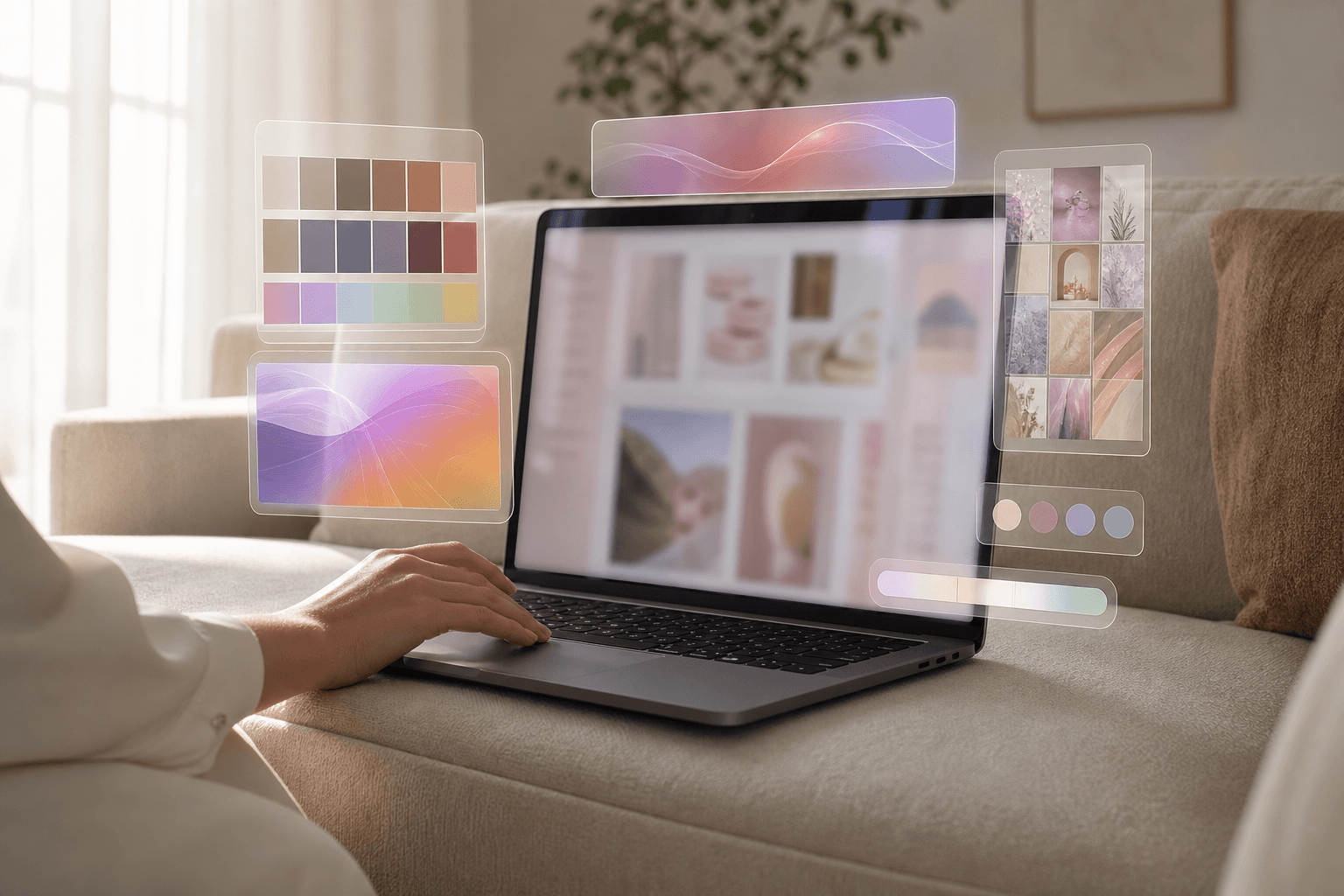
Here is what most people miss about Midjourney personalization: it is not a filter you slap on top. It is a bias that shapes the output before your prompt finishes doing its work. Two people can type the exact same prompt and get different results because their profiles encode different aesthetic preferences.
V8.2 makes that preference layer more responsive. If your profile has a lot of rating data, the model now leans harder into what you have been telling it you like. If your profile is thin, the new expanded image pool for building profiles means you get a better starting point.
What this means in practice: your personalization profile is now part of your creative system, not just a toggle. If you produce thumbnails, editorial illustrations, product concepts, or campaign variations, a well-trained profile can reduce the amount of style direction you need in every single prompt.
How to Set Up Your V8.2 Profile for Maximum Impact
Before you start prompting, invest 10 minutes in your personalization profile. It will pay off on every generation after.
- Rate images against a consistent standard. Do not just thumbs-up what looks cool. Rate against your actual needs: lighting style, colour density, realism level, edge treatment, and how much visual novelty you want. Inconsistent ratings teach the model contradictory preferences.
- Try both old and new profiles. Midjourney explicitly recommends running the same prompts with your existing profile and a freshly created V8.2 profile, then comparing. Keep the one that reduces your correction work, not the one that produces the single most dramatic image.
- Test with a representative prompt set. Do not judge a profile on one favourite prompt. Run five to ten prompts that cover your typical work: a portrait, a wide editorial scene, a product still life, a group composition, and something with text or packaging. The profile that gives you the lowest average revision effort across those is the winner.
Prompt Strategy Changes That Make V8.2 Sing
V8.2 rewards purposeful language more than earlier versions. Because the model itself is making stronger aesthetic choices, you need fewer decorative words to get a good-looking result and more specific direction to control what the image actually contains.
Here is the shift in practice:
- Drop vague style words. Remove “beautiful,” “cinematic,” “stunning” from your prompts. V8.2 already pushes toward those qualities. Tell it what to show, not how pretty to make it.
- Specify composition and format. If the image is for a vertical social placement, say so. If a brand asset needs negative space for text, describe the space rather than hoping the model leaves room.
- Separate non-negotiables from style preferences. Put your hard constraints first: subject, framing, aspect ratio, exclusions. Let the model’s aesthetic judgment handle the mood and visual density.
- Test shorter prompts first. V8.2 may reward brevity. Start with a clean brief, see what the model does on its own, then add constraints only where you see repeated errors.
Style References and Draft Mode Get a Boost
V8.2 ships alongside an update to Big Batch Draft Mode that now accepts --sref random. This means you can generate a batch of drafts, each pulling a random style reference, and explore a huge range of visual directions in a single run. Midjourney claims this lets you explore style space up to 24x faster than manually testing individual style codes.
For anyone who has spent 30 minutes pasting in --sref codes one by one, this is a real workflow upgrade. Use it to rapidly narrow down the visual direction before committing to a full-quality generation.
What to Watch Out For
- Old prompts will produce different results. V8.2 makes different aesthetic choices. A prompt that produced exactly what you wanted in V8.1 may now give you something bolder or more stylised. Re-run your go-to prompts and compare.
- Personalization is a double-edged sword. If your profile contains contradictory ratings, V8.2 will lean into those contradictions harder. Clean your profile first if your outputs feel inconsistent.
- There is no going back to V8.1 as default. You can still specify
--v 8.1on individual prompts, but V8.2 is now what every new user and every default generation uses. - The model is closed. No API, no downloadable weights, no third-party access. You still need a Midjourney subscription.
What This Unlocks
V8.2 is not a radical new feature drop. It is a quality upgrade that makes the tool you already use produce better results with less wrestling. That matters more than most announcements because it affects every single generation.
For creators who depend on a consistent visual identity, the improved personalization means you can build a profile that genuinely encodes your brand’s look and then let the model do more of the heavy lifting on each prompt. For anyone who has been frustrated by Midjourney’s occasional dud outputs, the raised floor means fewer wasted GPU minutes on generations you immediately discard.
The combination of bolder aesthetics, smarter personalization, and faster style exploration via draft mode makes this the version that turns Midjourney from a tool you constantly nudge into one that actually learns what you want. Start by rating 50 images against a clear standard, build a fresh V8.2 profile, and run your usual prompt set through it. The difference will be obvious.
Want more like this? Join MOKU CLUB for free. Weekly resources, early access to new guides, and occasional templates you can actually use. Join below.