You see a social media image that works. The composition is tight. The product pops. The callouts are in the right place. You want that layout for your own product but recreating it means hiring a designer or spending an hour in Canva. Zawa just removed that barrier entirely.
Zawa, the AI-powered social content platform formerly known as X-Design, launched Image Remix on July 3, 2026. It lets you upload any reference image, drop in your own product photo, and generate multiple variations that replicate the visual logic of the original around your product. No design software. No templates. No manual layout work.
What Image Remix Actually Does
The workflow is simple. You upload a reference image. This can be a screenshot from a competitor’s feed, a post you saved for inspiration, or an ad that has been performing well in your category. You select a replication mode. You add your product image. Zawa generates multiple output variations ready to download and post.
You can upload up to 20 reference images in a single session, which means you can batch-produce content for an entire campaign in one go.
Two distinct modes control how closely the output mirrors the reference.
High-Fidelity Mode
This mode closely preserves the composition, layout, and structural elements of your reference image. The original product is replaced by yours while the scene, lighting logic, and visual hierarchy stay intact. If you have found a product shot format that consistently converts, this mode lets you apply that exact format to any product in your catalogue.
Style Mode
Style mode takes the creative direction and visual logic of the reference and rebuilds the output as a fresh interpretation tailored to your product. The result carries the influence of the original without replicating its exact execution. This is the right choice when you want inspiration-driven output that feels like yours, not a copy of someone else’s work.
Both modes support social media posts, marketing posters, creative posters, e-commerce product images, and fashion product images.
Why This Is Different From Template Tools
Canva gives you templates. Adobe Express gives you templates. Those templates are static. You swap in your product and your text, but the layout is fixed. If you see a competitor’s flat lay that kills it on Instagram and you want that energy for your own feed, a template cannot help you. You would need to manually recreate the composition, figure out the lighting, match the colour balance, position the callouts.
Image Remix does not use templates. It analyses the visual structure of whatever you upload and generates new compositions that carry that structure. The reference is the template. Your product is the subject. The AI handles the reconstruction.
This means you can pull visual strategies from any source: a DTC brand’s Instagram, an Etsy seller’s product shots, a fashion label’s editorial grid. The tool reads the visual DNA and rebuilds it for your context.
What You Can Make With It Right Now
Here are the formats that consistently outperform generic product photography on social media, and exactly how Image Remix handles each one.
Ingredient and Feature Callout Graphics
You have seen these everywhere. A product shot with lines radiating outward to individual ingredients, features, or specs. They work because they give the scroller immediate context without making them read a caption. Upload one as a reference, drop in your product, and Image Remix generates the same callout structure with your details. No manual annotation in Figma.
Dark-Background Hero Shots
Products floating on deep black or dark gradient backgrounds with dramatic lighting. These dominate on Instagram and TikTok because they stop the scroll. Upload a reference, add your product, and get the same cinematic treatment without booking a studio.
Flat Lay Arrangements
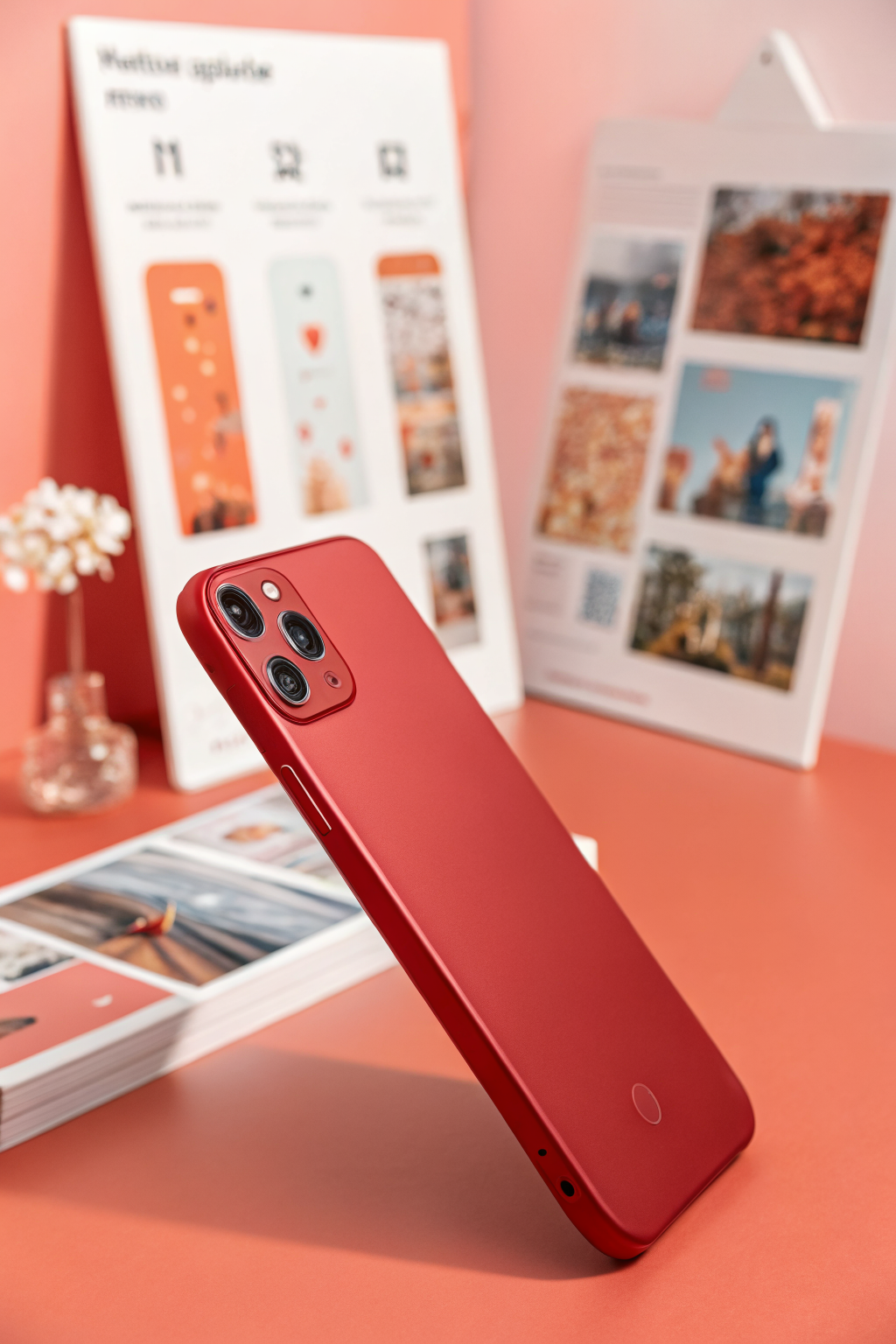
Overhead product shots with complementary items arranged around the hero product. These drive clicks on marketplace listings because they show context, scale, and lifestyle in a single frame. Image Remix reconstructs the arrangement logic around your product.
Poster-Style Marketing Graphics
Bold type, strong colour blocking, editorial layout. These are the images that get shared, saved, and reposted. Upload one as a reference and the tool rebuilds the typographic and compositional energy around your brand.
What to Look Out For
Image Remix is free to start. The free plan gives you generation credits with no credit card required. Paid plans unlock additional credits, advanced brand settings, and bulk variation generation.
The tool sits inside Zawa’s broader platform alongside its AI Social Media Post Generator and Video Remix tools. If you are already producing content at volume, the integration between these tools means you can generate static images, adapt them into video formats, and schedule posts all in one workflow.
The biggest unlock here is speed. The gap between seeing what works and producing your own version of it just collapsed from hours to minutes. For small businesses running seasonal campaigns, launching new products, or just trying to keep up with a content calendar, that compression changes what is possible on any given Tuesday.
Try it at zawa.ai/viral-image-clone.
Want more like this? Join MOKU CLUB for free. Weekly resources, early access to new guides, and occasional templates you can actually use. Join below.