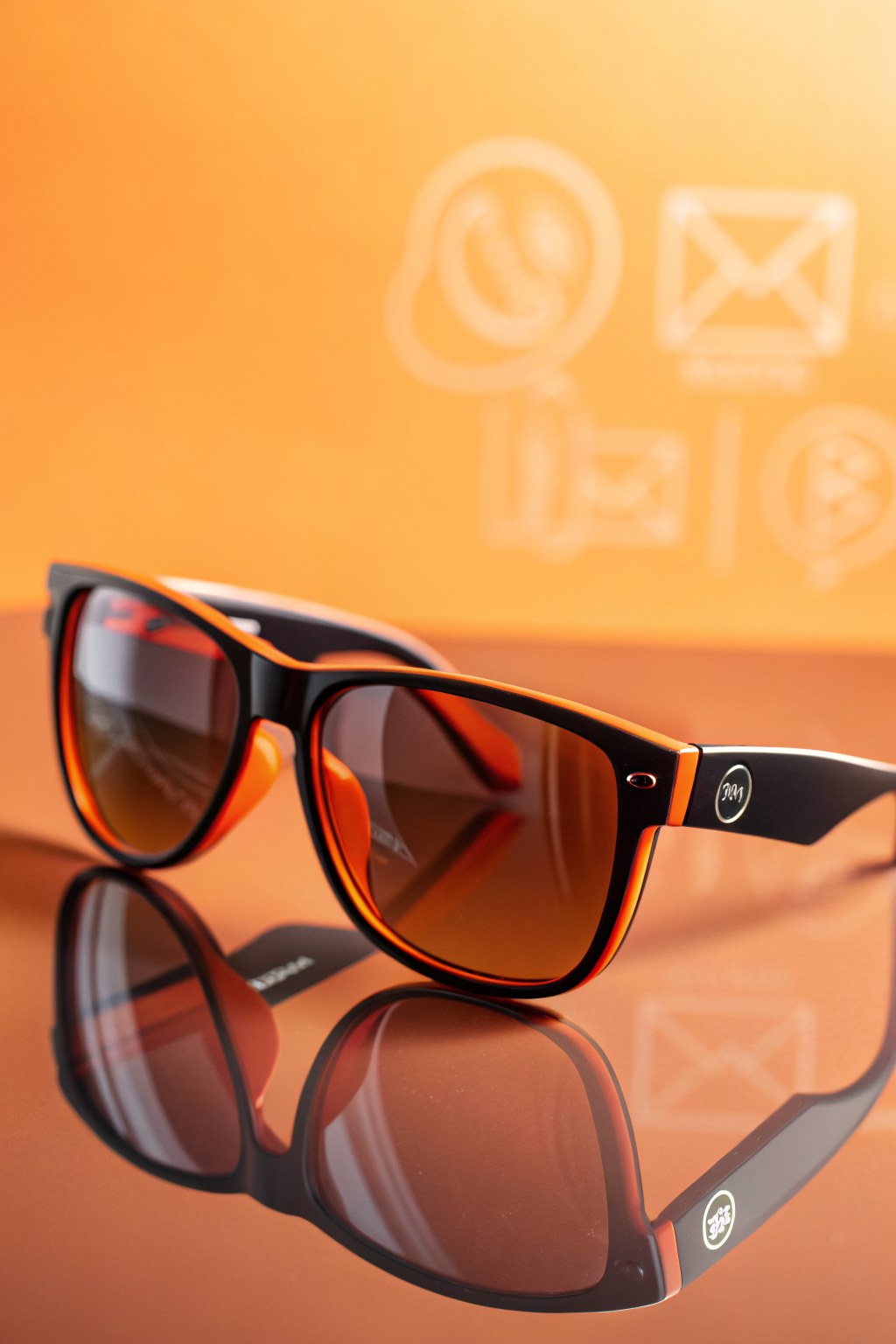
Colour is not decoration. It is a decision-making tool. The colours on your product page change how shoppers feel before they read a single word of your copy. And if your colour choices are random, you are leaving money on the table.
Here are 5 product page colour psychology tweaks you can make today. Each one targets a specific emotion that moves shoppers closer to the buy button.
1. Switch Your Buy Button to a High-Contrast Warm Colour
Your add-to-cart button should be the most visually dominant element on the page. Not the logo. Not the product image. The button.
Warm colours like orange, coral, and warm red create urgency and energy. They make the button feel like an action, not a suggestion. But the real rule is contrast. If your page is mostly cool tones (blues, greys, whites), a warm-coloured button pops. If your page is already warm, use a cool colour like teal or emerald green for the button instead.
The mistake most stores make is using their brand colour for the button even when it blends into the page. If your brand is navy blue and your page background is white, a navy button works. But if your product photos have blue tones, that navy button disappears. Test a contrasting colour for one week and watch your click-through rate.
2. Use Green for Trust Signals and Guarantees
Green is the colour of safety. It signals “go,” “yes,” and “this is fine.” That is exactly the emotion you want next to your return policy, free shipping badge, and satisfaction guarantee.
If your trust badges are currently grey or black, try switching them to a soft green. Not neon. Not lime. A muted sage or forest green. It does not need to shout. It just needs to feel calming.
Place green trust signals within 200 pixels of your buy button. That is the zone where shoppers are deciding. A green “Free 30-day returns” badge right below the price tells their brain: this decision is safe.
3. Cool Down Your Product Background to Make the Product Pop
If your product photography uses warm backgrounds (wood, beige, golden tones), try swapping to a cool, neutral background for your hero image. Light grey, soft blue, or pale sage. The product itself becomes the warmest thing in the frame, which draws the eye directly to it.
This works because of a principle called colour temperature contrast. Warm objects against cool backgrounds feel more three-dimensional and more premium. It is the same reason jewellery stores use blue display cases. The cool background makes the gold or diamonds look warmer and more valuable.
You do not need to reshoot. If you are using a tool to swap backgrounds, a soft cool grey works for almost any product category. Test it on your top 3 product pages first.
4. Add a Single Accent of Yellow Near Your Review Section
Yellow is the colour of optimism and social proof. Think about it: five-star ratings are yellow for a reason. But most stores stop there and do not carry that energy anywhere else.
Try adding a thin yellow underline or a small yellow highlight behind your review summary text. Something like “4.8 stars from 1,200+ happy customers” with a soft yellow background pill. It draws attention to the social proof section and makes it feel warmer and more inviting.
Keep it subtle. A pale butter yellow, not a highlighter. The goal is to make the review section feel like the most positive part of the page, because it is.
5. Use Blue for Your Shipping and FAQ Sections
Blue communicates calm, reliability, and information. It is the colour of clarity. That makes it perfect for the parts of your product page where shoppers are looking for answers, not excitement.
If your shipping info and FAQ section currently use the same text colour as the rest of the page, try shifting the section headers to a soft blue. This creates a visual break that tells the shopper: this is the helpful information zone. It also stops the page from feeling like one long sales pitch.
A medium slate blue works better than bright blue. You want it to feel trustworthy, not corporate. Pair it with clean, simple icons (a truck for shipping, a question mark for FAQ) and the section becomes scannable instead of skippable.
How to Test Without Breaking Anything
You do not need to redesign your entire store. Pick one product page, your highest-traffic one, and make all 5 changes there. Run it for 7 days. Compare the conversion rate to the previous 7 days. If it improves, roll the changes to your other product pages.
Most page builders and theme editors let you change colours globally. In Shopify, go to Theme > Customise > Product > Colour Scheme. In WooCommerce, check your theme customiser. The changes take 15 minutes total.
The point is not to have a beautiful page. The point is to have a page where the colour is doing work. Every colour on your product page should either be creating urgency, building trust, drawing attention to the product, or making information easier to find. If it is not doing one of those jobs, it is just taking up space.
Want more like this? Join MOKU Club for free. Weekly resources, early access to new guides, and occasional templates you can actually use. Join below.