Canva Just Unified Four Professional Design Tools Into One Free Suite. Here Is What That Actually Means.
Canva just launched ProSuite, and it is not another template pack or a minor feature bump. This is Affinity, Cavalry, Flourish, and Leonardo all connected under one roof, with 100+ new features and a promise that the core tools stay free. If you have been paying for Adobe, this is the week that changed the math.
What ProSuite Actually Includes
ProSuite bundles four tools that used to live in separate ecosystems:
- Affinity 3.3 (photo editing, vector design, page layout) with a new Blend Tool, Mask Tool, 3D model support, in-app scripting, and a Claude AI connector that writes automation scripts from plain English
- Cavalry (motion design and animation) with 50+ new features and a coming-soon feature that lets teams edit text or colour inside an animation while the core scene stays locked
- Flourish (data visualisation) for turning spreadsheets into publishable charts and interactive stories
- Leonardo (AI image generation) integrated directly into the design workflow
The key detail: Affinity and Cavalry core tools remain free. You do not need a subscription to use the professional-grade photo editor, vector tools, layout workspace, or motion design. The AI features unlock with a Canva premium plan.
The Features That Matter Most
Blend Tool (Affinity)
This has been the top request on Affinity forums for years. You can now create smooth transitions between vector shapes, control bias and easing so blends bunch up or spread out exactly where you want, run elements along curves with true-distance spacing, and morph shapes point by point. Two-path control lets you drag a second path across the canvas and watch the blend expand and reflow around it in real time. Everything stays editable.
Mask Tool (Affinity)
Masking is one of the most common and most tedious jobs in professional image editing. The new Mask Tool handles sky detection, person detection, clean edges, textured details, and editable gradients as you paint. One tool replaces a dozen brush switches and layer setups.
3D Model Support (Affinity)
You can now place 3D models directly in your design, adjust lighting, rotation, and scale to suit the composition, and even create a 3D model from a photograph. No more rendering in a separate 3D app and importing a flat image you cannot reposition.
In-App Scripting + Claude AI Connector
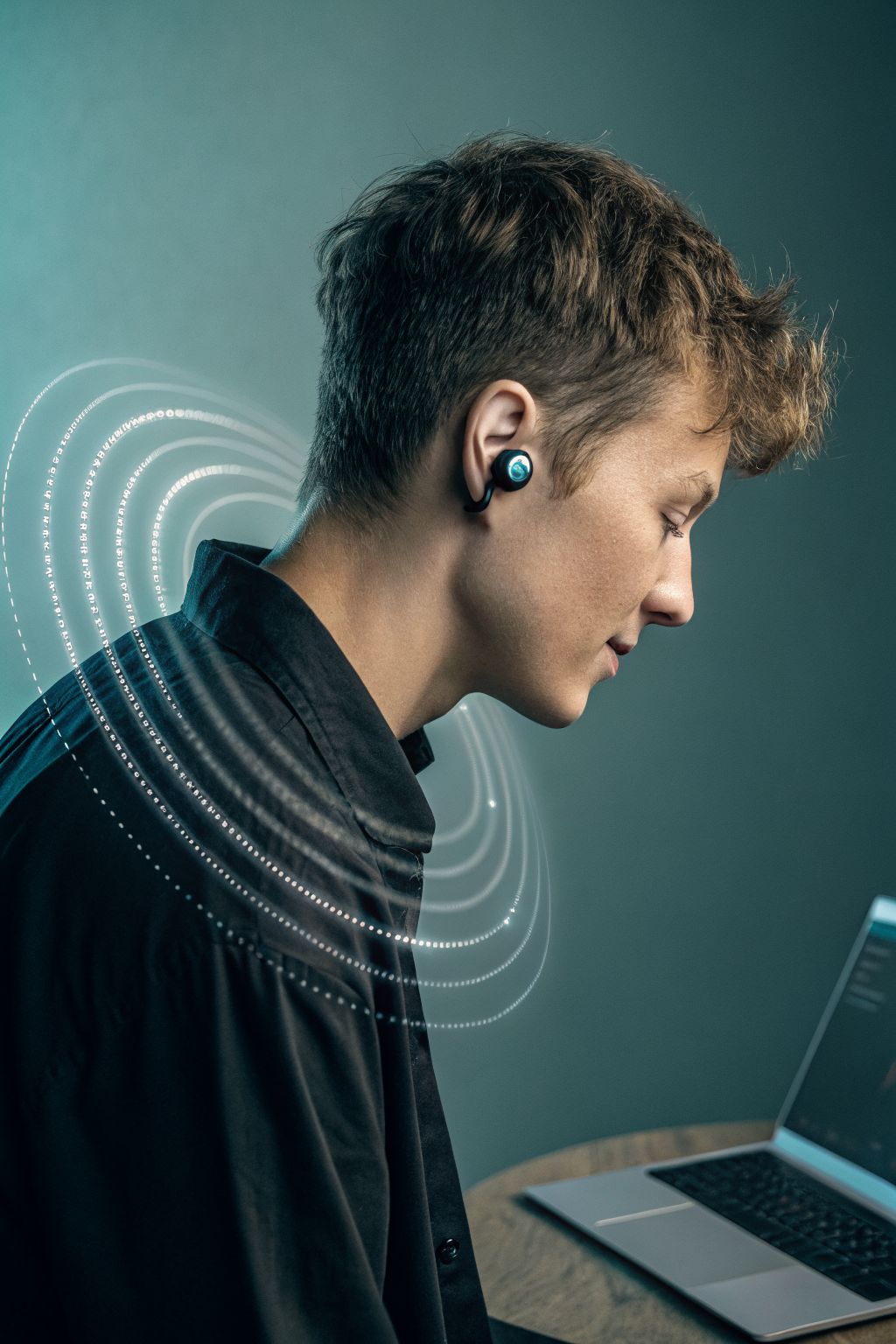
This is the sleeper feature. Affinity now has a built-in scripting editor. You can write scripts that run across photo, vector, and layout work in the same document. No scripting experience? The Claude AI connector lets you describe a process in plain English and builds a reusable script for you. Batch edit 400 product shots, generate 400 spec tables, and lay out 400 pages in one afternoon. When the brand direction changes, you run the script again.
INDD Import
Affinity can now import InDesign files directly. If you have years of .indd files sitting in Dropbox, they come straight in. Layouts, styles, linked assets. No more exporting to IDML first.
Cavalry Updates
Cavalry gets 50+ new features, and the standout is collaborative animation editing. Teams can change text and colour inside a Cavalry animation from Canva while the core scene file stays locked and untouched. This is the kind of thing that used to require After Effects project files being passed around on Slack.
What This Unlocks for Designers and Small Businesses
Here is what changes when four professional tools talk to each other:
- Design once, publish everywhere. Create a brand layout in Affinity, animate it in Cavalry, visualise the data in Flourish, generate supporting images in Leonardo. All inside one connected system.
- Automation without code. Tell Claude what you want automated. It builds the script. You run it across your entire project. Repetitive production work that took weeks now takes hours.
- No more tool tax. Affinity and Cavalry core tools are free. If you have been paying for Photoshop, Illustrator, and InDesign separately, the equation just shifted.
- 3D in your design, not beside it. Place, rotate, and light a 3D model inside Affinity. Reposition it as the composition changes. No round-tripping to another app.
- Old files, new workflow. Import your InDesign files directly. Your old layouts are not trapped anymore.
What to Look Out For
The free tier covers core photo editing, vector design, layout, and motion. AI features like image generation (Leonardo), AI-assisted masking, and the Claude scripting connector require a Canva premium plan. The Blend Tool, Mask Tool, 3D model support, scripting, and INDD import are all part of the free Affinity.
Cavalry collaborative editing is listed as “coming soon” so it is not available on day one. And the 3D-from-photo feature is impressive in demos but real-world performance will depend on the complexity of the object.
Canva says it is committed to keeping core tools free. That is easy to say at launch. Watch what happens at the next major update.
The Bottom Line
Canva ProSuite is not just bundling tools. It is connecting a design workflow that used to require three separate subscriptions and constant context-switching. The Blend Tool alone makes Affinity worth downloading. The scripting connector means your repetitive production work just got automatable. And the INDD import means switching from Adobe just got dramatically less painful.
If you have been waiting for a reason to try Affinity seriously, this is it. Free professional-grade design, photo editing, vector work, layout, and motion. Connected to each other. With automation built in.
Want more like this? Join MOKU Club for free. Weekly resources, early access to new guides, and occasional templates you can actually use. Join below.