Pika just restructured its entire AI video platform into a suite of dedicated creative apps, each handling a specific part of the video production pipeline. Instead of one general-purpose video generator, you now pick the app that matches what you are trying to make, and Pika handles the rest.
What launched
On September 17, Pika rolled out six dedicated apps accessible from the create.pika.art/apps dashboard:
- Pika 2.5 — The flagship video generation app with automatic model selection. You describe the shot, and Pika routes it to the best underlying model for the job. No more guessing which model version to use.
- Video Studio — A shot-by-shot video builder with editable scene lists. You can reorder, swap, and regenerate individual shots without starting over. Think of it as a timeline editor where every clip is AI-generated and individually replaceable.
- Short Film — A longer-form storytelling app that chains multiple generated clips into a narrative sequence with consistent characters across scenes.
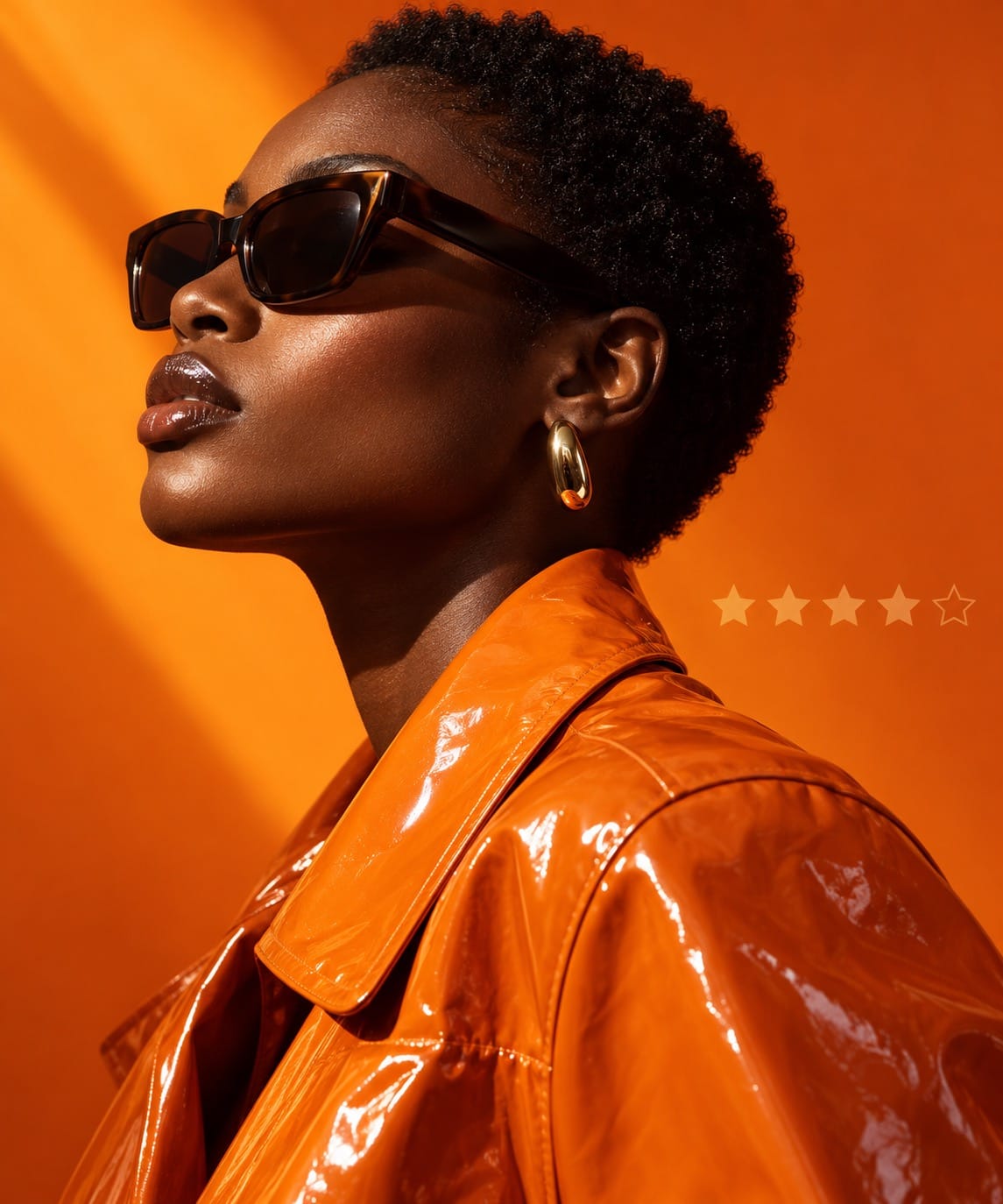
- Relight — A relighting app that changes the lighting mood of any generated video clip. Move from golden hour to neon noir to studio softbox without regenerating the footage.
- Character Swap — Swap characters in and out of existing clips while keeping the background, camera motion, and action intact.
- Outfit Swap — Change wardrobe on a character without regenerating the entire scene.
Automatic model selection is the real shift
The biggest structural change is not the app split itself. It is the automatic model selection inside Pika 2.5. Instead of choosing between Pika 2.0, 2.1, 2.2, or whatever the latest checkpoint is, you write your prompt and Pika routes it to whichever model produces the best result for that specific prompt type.
This matters because the AI video landscape has fragmented fast. Runway Gen-3, Kling, Luma, Hailuo, and Pika all have different strengths. Even within Pika, different model versions handle different prompt categories better. Automatic selection removes the guesswork. You describe the shot. Pika picks the engine.
Editable shot lists change the workflow
The Video Studio app introduces something AI video has been missing: non-destructive editing. Until now, if one clip in a multi-shot sequence looked wrong, you regenerated the entire prompt and hoped the other shots still came out the same way.
With Video Studio, each shot in the sequence is a separate editable unit. You can:
- Regenerate a single shot without affecting the others
- Reorder shots by dragging them in the scene list
- Swap the prompt for one shot while keeping the rest locked
- Adjust timing and pacing per clip
This is closer to how a real video editor works. You build the sequence, review each cut, and fix the shots that do not work without throwing away the ones that do.
Relighting and character swap: post-production inside the generator
The Relight and Character Swap apps tackle two of the most requested features in AI video: changing lighting after generation and swapping subjects without reshooting.
Relight takes an existing generated clip and applies new lighting conditions. The character, background, and motion stay the same. Only the light changes. This is useful for matching clips shot in different lighting conditions or for creating dramatic mood shifts in a sequence without regenerating from scratch.
Character Swap does what it says. Keep the scene, keep the action, replace the person. This opens up versioning workflows: generate a scene once, then produce multiple character variants for different markets, languages, or audience segments.
Outfit Swap works the same way but for wardrobe. Same character, same scene, different clothing. Useful for product placement, seasonal content, or testing different visual styles without burning through generation credits.
What this unlocks
The app split reflects a shift from single-clip generation to multi-shot production. Instead of generating one five-second clip and hoping for the best, you can now:
- Build a structured shot list with consistent characters across scenes
- Fix individual shots without regenerating the entire sequence
- Version the same scene across different characters, outfits, and lighting setups
- Let Pika handle model selection so you focus on the creative direction, not the technical routing
For anyone producing short-form video content, ad creative, or social-first storytelling, the editable shot list workflow is the feature to watch. It bridges the gap between AI generation and actual video editing in a way that single-clip tools have not managed yet.
How to try it
All six apps are live now at create.pika.art/apps. If you already have a Pika account, your existing credits carry over. New users can sign up and start with the free tier to test the generation, relighting, and swap features before committing to a paid plan.
The automatic model selection in Pika 2.5 is enabled by default. You do not need to configure anything. Just write your prompt and generate.
Want more like this? Join MOKU Club for free. Weekly resources, early access to new guides, and occasional templates you can actually use. Join below.